
A gaming notebook PC is a beast of a machine, a portable powerhouse built from the ground up for one thing: high-performance gaming. It takes the muscle of a desktop rig and squeezes it into a form factor you can actually carry around.
Unlike your everyday laptop, these notebooks come loaded with powerful, dedicated graphics cards, lightning-fast processors, and sophisticated cooling systems. It's all about delivering a smooth, immersive gaming experience, whether you're at home or on the move.
What Makes a Gaming Notebook PC Different
So, what really sets a gaming notebook apart from a standard laptop? Think of it this way: a family sedan will get you to the grocery store just fine, but you wouldn't take it to a racetrack. For that, you need a high-performance sports car. That's the difference we're talking about. The whole design philosophy is to pack the raw power of a gaming desktop into a machine that fits in a backpack.
This isn't just about a flashy chassis or a rainbow-coloured keyboard, either. The engineering priorities are completely different. A standard laptop is built for all-day battery life and handling everyday tasks like email and web browsing. A gaming notebook, on the other hand, strategically trades some of that battery life for the raw, uncompromising performance needed to run graphically demanding games and applications.
The Powerhouse Components Inside
At the core of every gaming notebook, you'll find specialized hardware that you just don't see in typical laptops. These components are chosen specifically to run modern games without breaking a sweat.
Dedicated Graphics Processing Unit (GPU): This is the heart and soul of any gaming machine. Standard laptops rely on graphics processing that's built into the main chip, which is fine for video but not for gaming. A gaming notebook has its own powerful, separate GPU designed to render complex 3D environments and keep your frame rates silky smooth.
High-Performance Central Processing Unit (CPU): The CPU is the brain, handling everything from game logic and physics to enemy AI. Gaming notebooks use top-of-the-line CPUs that can juggle all these complex calculations without holding the GPU back.
Ultra-Responsive Displays: In gaming, reaction time is everything. That’s why these machines are equipped with high-refresh-rate screens (144Hz or even higher). A faster refresh rate means the image on the screen updates more frequently, giving you incredibly fluid motion and a real competitive advantage.
More Than Just a Purchase
Getting your head around these core differences is the first step to making a smart choice. A gaming notebook PC is a serious investment, and its specialized parts demand a different kind of care and attention.
Whether you're in the market for a new rig or just want to keep your current one in top shape, understanding what's under the hood is key. And when things go wrong, the complexity of these systems means it's often best to call in an expert. Getting professional computer & laptop repairs hamilton ensures your high-performance machine is in the hands of someone who gets its unique needs.
Sometimes, even the best internal GPU can't keep up with the latest games. If you're looking for even more power down the road, you can learn more about how an external graphics card could be a solution in our detailed article.
Understanding The Hardware That Powers Your Games
To really get what makes a gaming notebook tick, you have to look under the hood. The components crammed inside are what truly separate a high-octane gaming rig from your average laptop. Each part has a very specific job to do in bringing virtual worlds to life, and understanding them is key, whether you're in the market for a new machine or need to look into computer & laptop repairs hamilton.
Think of it like this: the hardware inside your gaming notebook is a highly specialized team. Every member has a crucial role, and they all need to work in perfect sync. If one part can’t keep up, the whole performance suffers. Let's break down the key players on this team.
This simple map shows how the core parts—the GPU, CPU, and screen—all work together to create the experience you see and feel.
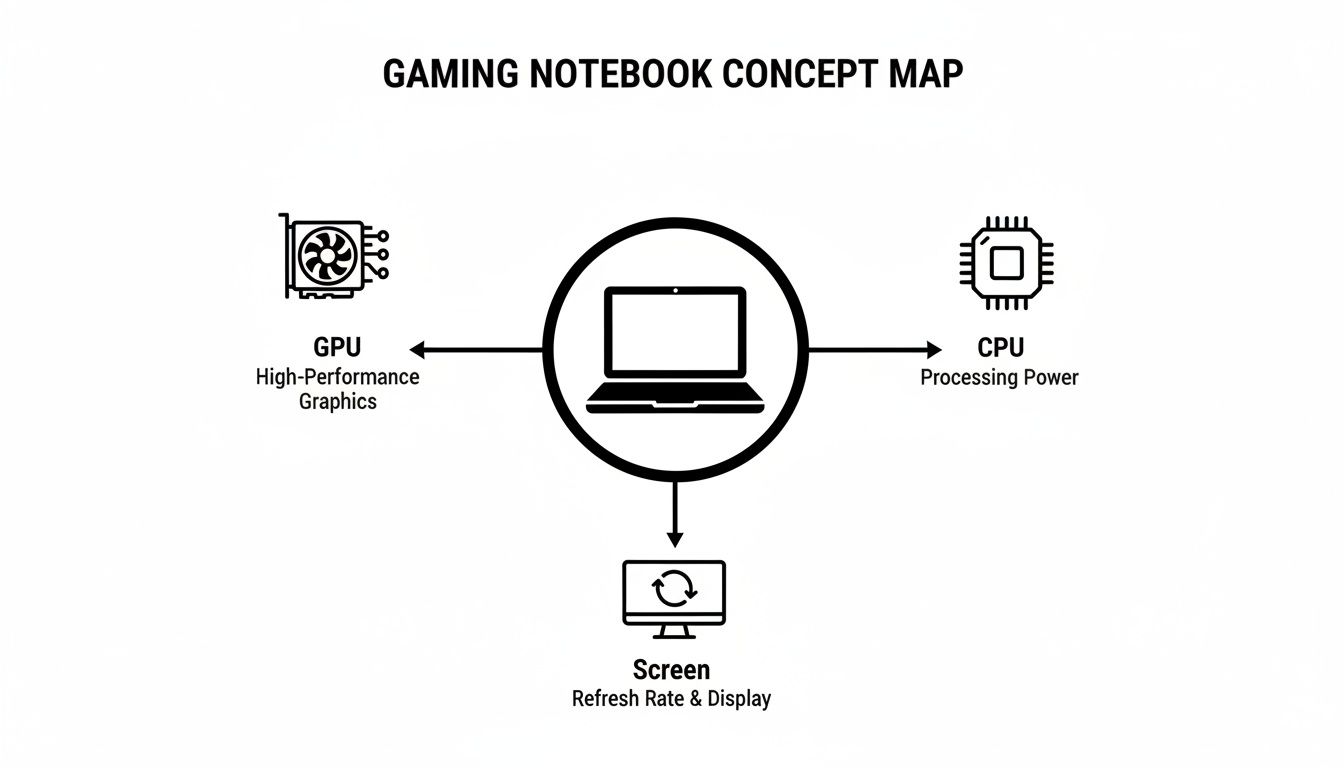
The GPU and CPU: The Dynamic Duo
First up is the Graphics Processing Unit (GPU), which is basically the artist of your system. Its main job is rendering all the incredible visuals you see on screen, from vast, open landscapes to the tiniest details on a character's armour. A more powerful GPU can paint these pictures faster and with more detail, which translates directly to higher frame rates and buttery-smooth gameplay.
Working hand-in-hand with the GPU is the Central Processing Unit (CPU). This is the game's brain. It handles all the complex logic, physics calculations, and AI behaviour that make the game world feel alive. A speedy CPU ensures everything runs without a hitch, preventing performance bottlenecks that could otherwise hold back your powerful GPU.
A great way to think about this partnership is like building a house. The CPU is the architect—it draws up the blueprints and directs the whole project. The GPU is the highly skilled construction crew that actually builds the walls, installs the windows, and paints every last detail. You need both working at their best to get the job done right.
RAM and Storage: The Workspace and The Library
Next, we have Random Access Memory (RAM). Picture your RAM as a high-speed workbench. When you fire up a game, your computer pulls all the files it needs right now from its long-term storage and lays them out on this workbench for instant access. More RAM is like having a bigger workbench; you can keep more game assets and applications ready to go, which is essential for multitasking and playing huge open-world games without stuttering.
And that brings us to the storage drive—your system’s library. These days, any good gaming notebook uses a Solid-State Drive (SSD) instead of an old-school Hard Disk Drive (HDD). An SSD is like a digital library where the librarian can teleport to any book instantly. An HDD, on the other hand, is like a traditional library where they have to physically walk down the aisles to find what you need. That speed difference makes a massive impact, slashing game load times and making your entire system feel snappier. To get a deeper look at this, check out our guide on the benefits of an SSD versus an HDD for gaming.
To help put it all together, this table breaks down how each component directly affects your gaming.
Key Gaming Notebook PC Components and Their Impact
| Component | Primary Function | Impact on Gaming | What to Look For |
|---|---|---|---|
| GPU | Renders graphics and visuals. | Higher frame rates, better visual quality, smoother gameplay. | Higher VRAM (e.g., 8GB+), latest NVIDIA RTX or AMD Radeon series. |
| CPU | Manages game logic, AI, and physics. | Prevents stuttering, supports complex game environments. | High clock speeds (GHz), more cores/threads (e.g., 6-8 cores). |
| RAM | Temporarily stores active game data. | Smooth multitasking, better performance in large open-world games. | 16GB is the sweet spot; 32GB for high-end gaming. |
| Storage (SSD) | Stores games and the operating system. | Drastically reduces loading times, improves system responsiveness. | NVMe SSDs for the fastest speeds; at least 1TB of space. |
| Display | Shows the final image. | High refresh rates (e.g., 120Hz+) for fluid motion, good colour accuracy. | High refresh rate (Hz), low response time (ms), good colour gamut (sRGB). |
| Cooling System | Dissipates heat from the CPU and GPU. | Prevents thermal throttling, maintains peak performance. | Advanced heat pipes, multiple fans, good ventilation design. |
As you can see, every piece of the puzzle is important for creating a balanced, high-performance machine.
The Unsung Heroes: Cooling and The Display
You can have the best components in the world, but they'll stumble if they get too hot. That’s where the cooling system comes in—it’s the true unsung hero of any gaming notebook. These systems use a sophisticated mix of heat pipes, powerful fans, and clever ventilation to pull heat away from the CPU and GPU. This prevents them from slowing down (a process called thermal throttling) when you're in the middle of an intense gaming session.
Finally, there’s the display. This is your window into the game. A screen with a high refresh rate (measured in Hertz, or Hz) updates the image on screen more frequently, which makes motion look incredibly fluid and responsive. Colour accuracy and brightness are just as important, ensuring the worlds you explore are as vibrant and immersive as the developers intended.
The demand for notebooks with these high-performance parts is fuelling incredible market growth. In fact, the gaming laptop market is projected to hit a massive $21.93 billion by 2033, climbing at a 15.4% compound annual growth rate. This boom shows just how many people are choosing powerful, portable machines for top-tier gaming. Many of these notebooks are now powerful enough for demanding applications like virtual reality hire for events. Of course, this trend also means a growing need for skilled technicians, driving demand for specialized computer & laptop repairs hamilton to keep these advanced systems in peak condition.
How to Choose the Right Gaming Notebook PC for Your Needs
Picking out the perfect gaming notebook can feel like trying to decipher a secret code. You're bombarded with technical specs, marketing hype, and a dizzying number of choices. The secret is to cut through the noise and zero in on what actually matters for you.
After all, the ideal machine for a competitive esports pro is worlds away from what a fan of immersive, single-player adventures needs. It all starts with matching your budget to your expectations. A gaming notebook is a serious investment, but the most expensive option isn't always the right one. First, figure out what you’ll be playing, and you can make smarter trade-offs that put every dollar to work.
Aligning Your Budget with Performance Tiers
Gaming notebooks typically fall into three main price brackets, and each one offers a distinct level of performance. Knowing where you fit helps set a realistic goal for your gaming experience.
- Entry-Level (Under $1,500): These machines are brilliant for playing the world's most popular games—think Fortnite, Valorant, or Apex Legends—at 1080p. You’ll get a solid experience, often hitting over 60 Frames Per Second (FPS) on medium or high settings. Just be prepared to dial things back a bit for the newest, most graphically intense titles.
- Mid-Range ($1,500 – $2,500): For most gamers, this is the sweet spot. A mid-range notebook can chew through almost any modern game at 1080p or even 1440p with high settings cranked up. This tier is where you start seeing more powerful GPUs and buttery-smooth high-refresh-rate screens.
- High-End ($2,500+): If you refuse to compromise, this is your territory. These rigs are built for jaw-dropping 1440p or 4K gaming, ray tracing, and ultra-high frame rates. They come packed with the best CPUs and GPUs, premium materials, and sophisticated cooling systems to keep all that power in check.
If you’re stuck trying to figure out which tier makes sense for you, getting some advice from a local expert who provides computer & laptop repairs hamilton can be a huge help. They can make sure you find the best value without overspending.
Matching Hardware to Your Gaming Style
Beyond your wallet, the games you love should be the ultimate guide for your hardware choices. What a casual gamer needs is completely different from a competitive player, and your notebook should reflect that.
For example, an esports player deep into fast-paced shooters will get way more value from a high-refresh-rate display (144Hz or even 240Hz) than from a higher resolution. More hertz means smoother on-screen motion, which makes tracking opponents and reacting in a split-second much easier. In that scenario, a 1080p/240Hz screen is a far better tool for the job than a 4K/60Hz one.
On the other hand, someone who gets lost in stunning, open-world RPGs will want a powerful GPU that can push gorgeous visuals at 1440p or 4K. Here, visual fidelity trumps raw speed.
Frames Per Second (FPS) is the bottom line for performance. It's simply the number of images your notebook renders every second. A steady 60 FPS is the gold standard for smooth, enjoyable gameplay, while competitive players often chase 120 FPS or more for that crucial reaction-time edge.
The demand for powerful gaming laptops is a massive global trend. Just look at the United States, where California's laptop market alone was valued at a staggering USD 44.61 billion in 2024. This boom is fueled by a strong gaming culture, especially among a younger, tech-savvy generation, highlighting the growing need for high-performance portable machines across North America. To see the full breakdown, you can read the complete research on the United States laptop market.
Finally, don’t overlook portability. If you’re constantly on the move, a lighter machine with decent battery life might be a top priority. While a gaming notebook will never last as long as an ultrabook, some are definitely built better for life away from a wall socket. For some great tips, check out our guide on how to extend laptop battery life.
Upgrading and Repairing Your Gaming Notebook in Hamilton
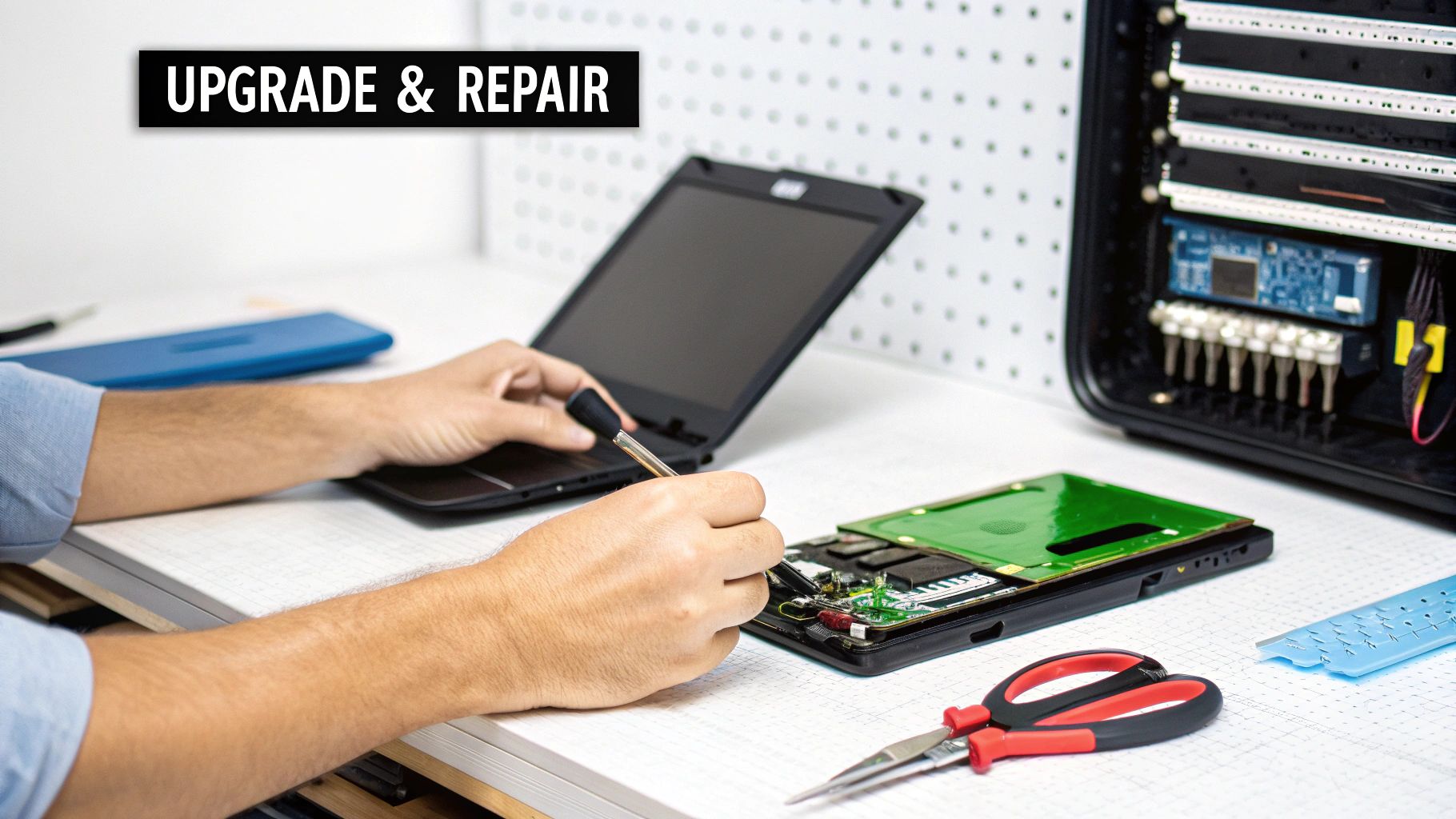
So, you've got this powerful gaming machine, but even the best gear needs a tune-up now and then. One of the best things about gaming notebooks is that, unlike their standard sealed-up cousins, they are often designed with upgrades in mind. This is a huge win, letting you extend the life and muscle of your investment.
Even simple tweaks can make a massive difference. Popping in some more RAM or swapping out a smaller solid-state drive (SSD) for a bigger, faster model can feel like a night-and-day change. Suddenly, you’re multitasking without a stutter and your game load screens are practically gone. It's enough to make an older machine feel brand new.
But let's be real—the high-octane performance of a gaming notebook means it works hard. Components get hot, fans go into overdrive, and accidents happen. That’s when knowing where to turn for professional computer & laptop repairs hamilton is absolutely key.
Common Upgrades to Boost Your Performance
When you're looking to upgrade, you want the most bang for your buck. These two upgrades deliver noticeable improvements that you'll feel right away in your favourite games.
- RAM (Random Access Memory) Upgrade: Find your system bogging down when you’re running a game, Discord, and a browser all at once? A RAM upgrade is your ticket. Bumping up from 8GB or 16GB to 32GB gives your applications the breathing room they need for buttery-smooth performance.
- SSD (Solid-State Drive) Upgrade: Nothing's worse than the "low disk space" warning. Upgrading to a larger, speedier NVMe SSD not only solves your storage woes but also slashes load times for your OS and games. We have more details on hard drive and SSD upgrades available in Hamilton if you want to dive deeper.
These enhancements are a smart way to keep your gaming notebook PC in the fight without having to buy a whole new rig.
When to Seek Professional Repairs in Hamilton
While some upgrades are pretty straightforward, many repairs are not. The insides of a gaming notebook are a tight, complex space, and a DIY fix can easily go sideways, causing even more damage. For the serious stuff, professional computer & laptop repairs hamilton are your safest bet.
It’s also becoming a smarter financial move. Market analysis from sources like Tom's Hardware warns that the PC market could shrink by as much as 9% due to skyrocketing RAM prices. With new machines getting more expensive, it makes a lot of sense to keep your current hardware running strong with professional maintenance and repairs.
Seeking professional help isn't just about fixing a problem; it's about protecting your investment. A skilled technician has the right tools and experience to diagnose issues accurately and perform repairs without risking other components, safeguarding your machine's longevity.
Knowing what to look for is half the battle. This table breaks down some of the most common issues gaming notebook owners face and the local services here in Hamilton that can get you back in the game.
Common Gaming Notebook Issues and Local Hamilton Solutions
Here’s a look at the frequent problems we see and how a professional repair service in Hamilton can tackle them.
| Common Issue | Symptoms | Potential Cause | Recommended Local Repair Service (Hamilton) |
|---|---|---|---|
| Overheating | High temperatures, loud fans, sudden performance drops (throttling). | Dust buildup in fans and heatsinks, old thermal paste. | Professional internal cleaning and thermal paste reapplication. |
| Failing Fans | Grinding or rattling noises, fans not spinning, overheating alerts. | Worn-out fan bearings, physical obstruction, or motor failure. | Diagnostic service and fan replacement with quality parts. |
| Keyboard/Trackpad Issues | Unresponsive keys, sticky keys from spills, erratic cursor movement. | Liquid damage, physical wear, or a disconnected internal cable. | Component-level repair or full keyboard/trackpad replacement. |
| Screen Damage | Cracked screen, dead pixels, flickering display, or backlight failure. | Accidental impact, drop, or internal hardware malfunction. | Professional screen replacement and display connection check. |
By trusting experts for these more complex jobs, you’re ensuring your gaming notebook gets the proper care it deserves. This keeps it running at peak performance for years to come, so you can focus on hitting that next level.
Essential Maintenance to Maximize Performance and Lifespan
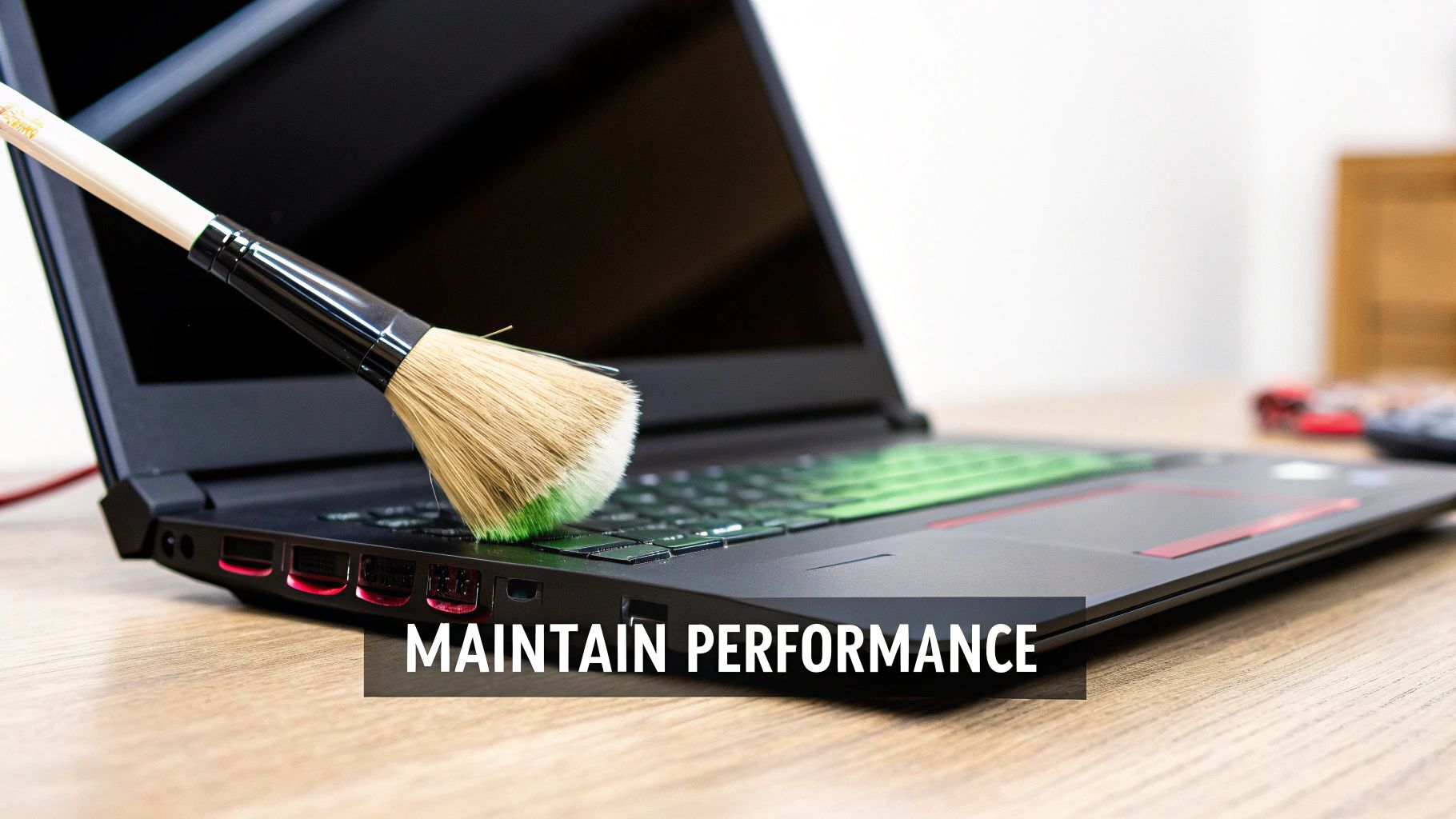
Think of your gaming notebook PC like a high-performance sports car. You wouldn't skip an oil change and expect it to win races, right? The same logic applies here. Regular maintenance is the key to keeping your machine in peak condition, delivering the framerates and responsiveness you paid for.
Without some simple upkeep, you’re looking at a future of frustrating slowdowns, overheating, and even a shorter lifespan for your hardware. A few good habits can prevent these problems before they start, protecting your investment for years to come.
This isn't just about one thing, either. It's a two-pronged approach: keeping your software sharp and your hardware clean. Both are critical for a healthy, high-speed gaming rig.
Software Health and Optimization
Your system's software is the first line of defence against lag and stuttering. Outdated drivers or a startup list clogged with unnecessary apps can create hidden bottlenecks that choke your gaming experience.
Start with the most important one: your graphics drivers. GPU manufacturers are constantly releasing updates to get more performance out of the newest games. Set them to update automatically, or at least make a habit of checking once a month.
Next, take a look at what runs when you first turn your computer on. A lot of programs quietly add themselves to the startup list, eating up precious resources before you even launch a game.
- Tame Startup Programs: Open up your Task Manager and disable anything you don’t need running in the background. This frees up RAM and CPU power, giving you faster boot times and a smoother experience in-game.
- Scan for Malware: Malicious software is notorious for hogging system resources. Run regular scans with a good antivirus program to keep your notebook secure and running interference-free.
Hardware Care and Cleaning
What's happening inside the case is just as important as what's happening in the software. Gaming notebooks generate a lot of heat, and if the cooling system can't breathe, your performance will suffer.
Dust is the ultimate enemy here. It acts like a tiny blanket, insulating components, clogging vents, and making your fans spin like crazy just to keep up. This leads directly to higher temperatures and performance throttling.
A clean machine is a cool machine, and a cool machine is a fast machine. Blowing out dust from your vents and fans is one of the single most effective things you can do to maintain top-tier performance and avoid long-term heat damage.
Even a quick external clean-up helps. A soft microfibre cloth for the screen and a can of compressed air for the keyboard and vents can work wonders.
When you start noticing temperatures creeping up consistently, it might be time for a deeper clean. If you're not comfortable opening the chassis yourself, it's always safer to bring it to a professional. Our guide on how to clean your laptop fan properly has some good tips, but for a serious job, it’s best to let an expert handle it.
The team providing computer & laptop repairs hamilton can perform a full professional thermal tune-up. We'll get all the dust out and even reapply fresh thermal paste to ensure your CPU and GPU are transferring heat as efficiently as possible.
Your Gaming Notebook PC Questions Answered
Jumping into the world of gaming laptops can bring up a ton of questions. Are you trying to decide on your next big purchase? Squeezing more performance out of your current rig? Or maybe just wondering how to make it last? Getting straight answers is key.
This section tackles the most common questions we hear from gamers right here in Hamilton. We’ll give you direct, practical answers to help you make smart decisions and keep your high-performance laptop running like a dream.
Is It Better to Upgrade My Current Gaming Notebook or Buy a New One?
Ah, the classic dilemma. The answer really boils down to your notebook's age and its core hardware. If your processor (CPU) and graphics card (GPU) are still holding their own but you're frustrated with slow load times or stuttering when you multitask, an upgrade is a fantastic option.
A simple RAM or SSD upgrade can deliver a massive, noticeable boost for just a fraction of the cost of a new machine. It’s an incredibly cost-effective way to breathe new life into a laptop that’s starting to feel a bit sluggish.
However, if your CPU and GPU—the two components that are almost never upgradeable in a laptop—are struggling to run the latest games at settings you enjoy, it’s probably time to start shopping. For a final verdict, a professional diagnostic from a computer & laptop repairs hamilton expert can tell you for sure if an upgrade will get you where you want to go.
How Often Should I Get My Gaming Notebook Professionally Cleaned?
For any serious gamer, we recommend a professional internal cleaning every 12 to 18 months. Honestly, think of it as an essential oil change for a high-performance engine.
Gaming notebooks are engineered to suck in a huge amount of air to keep things cool, but that air is filled with dust, pet hair, and all sorts of gunk. Over time, that debris clogs up the fans and heatsinks, essentially wrapping them in an insulating blanket.
This buildup forces your system to run hotter, which throttles your performance and can even cause permanent damage to your components down the road.
A professional cleaning isn't just a quick blast with a can of air. A technician will carefully disassemble the unit, do a deep clean of the internal parts, and apply fresh, high-quality thermal paste. This ensures your CPU and GPU can transfer heat efficiently. It’s one of the smartest investments you can make for your laptop’s health and performance.
Can I Use My Gaming Notebook for School or Work?
Absolutely! In fact, this is one of the best things about modern gaming notebooks. Their powerful hardware makes them incredible at handling demanding professional and school tasks that would make a standard laptop choke.
Their top-tier processors, generous RAM, and lightning-fast SSDs are perfect for:
- Creative Professionals: Blazing through video editing, graphic design, and 3D modelling.
- STEM Students and Professionals: Easily tackling complex simulations, coding, and chewing through large datasets.
- Heavy Multitaskers: Juggling dozens of browser tabs, multiple programs, and streaming content all at once without breaking a sweat.
Sure, they’re usually a bit heavier and don't have the all-day battery life of an ultrabook, but their raw power makes them fantastic "do-it-all" machines. A local computer & laptop repairs hamilton service can even help you tweak your system to perfectly balance your work and play profiles.
What Is the Average Lifespan of a Gaming Notebook PC?
A gaming notebook's lifespan really has two different clocks running. There's its physical lifespan—how long the parts will actually work—and its performance lifespan—how long it can play the latest games well.
Physically, a well-cared-for gaming notebook can easily last 5 to 7 years, sometimes more. The chassis, screen, and keyboard are built tough for heavy use.
Its ability to play brand-new, graphically intense games on high or ultra settings, however, will naturally fade as game tech gets more demanding. You can generally expect a mid-to-high-end notebook to be a top-tier gaming machine for about 3 to 4 years.
After that, you'll likely find yourself dialing back the in-game settings to keep your framerates smooth. Smart upgrades and regular professional maintenance can stretch both its physical life and its gaming relevance, helping you get the most from your investment. Many gamers also enjoy making their setup their own; if you're a Mac user, you might be interested in options like Wallpaper Engine For Mac to customize your desktop.
Still have questions or need a hand with an upgrade or repair? The team at Klimka Computer Solutions offers fast, honest, and expert on-site service for every kind of gaming notebook PC. Visit us online to learn more or schedule your service today!
No Responses