
So, what exactly is a gaming PC? At its core, it’s a high-performance computer built from the ground up to tackle the punishing demands of modern video games. Unlike the average desktop you'd use for emails and spreadsheets, every single part inside a gaming PC is picked for one reason: to deliver smooth, beautiful, and lightning-fast gameplay.
What Makes a PC a "Gaming PC"?
Think about the difference between a reliable family sedan and a Formula 1 race car. Sure, both can get you down the road, but they're engineered for completely different worlds. Your standard office PC is that dependable sedan—great for everyday tasks. A gaming PC is the race car, a machine where every component, from the engine to the suspension, is precision-engineered to perform under incredible stress.
This relentless focus on performance is what sets a true gaming rig apart. It’s not just about the cool coloured lights, though those are fun. It’s about how all the specialized parts work in harmony to create vast, complex 3D worlds in real-time—a job that would bring a normal computer to its knees.
Built for a Single Purpose: Performance
The mission is simple: run graphically intense games without stuttering, lagging, or compromising on visuals. To do that, you need hardware that can chew through massive amounts of data every second. Every piece of the puzzle, from the main processor to the fans keeping it cool, is chosen to eliminate performance roadblocks and push for the highest frame rates possible. A higher frame rate means a smoother, more responsive experience, which can be the difference between winning and losing.
A true gaming PC isn’t defined by its price tag or brand. It’s defined by its ability to consistently perform under pressure, with every component selected for its contribution to a flawless gaming session.
This focus on raw power also makes these machines incredibly good at other demanding jobs.
- Content Creation: Video editors, 3D artists, and graphic designers love gaming PCs for their powerful processors and graphics cards.
- Heavy-Duty Multitasking: Running a game, streaming your gameplay, and chatting with friends all at once? No problem.
- Future-Ready: You can swap out individual parts as technology improves, which helps your investment last much longer.
Customization and Local Know-How
One of the best things about the gaming PC scene is the ability to customize. Whether you're building a machine from scratch or picking out a pre-built one, you can tailor it perfectly to your needs and budget. This is where getting some expert advice really pays off.
For anyone in the Hamilton area, working with a local specialist can take all the guesswork out of the process. If you want professional help bringing your dream rig to life, you can learn more about customized gaming PC builds that fit your specific games and budget.
At the end of the day, a gaming PC is more than just a box of electronics; it's your portal to amazing digital worlds. Whether you're planning a new build or just need help with computer & laptop repairs Hamilton, understanding this core philosophy is the perfect first step on your gaming journey.
Understanding the Core Components of Your Rig
Every gaming PC is really just a team of specialized parts working together to create those incredible digital worlds we love to get lost in. Figuring out what each component does is the first step toward making smart decisions, whether you're trying to fix a problem, planning an upgrade, or building a new machine from scratch.
Let's pull back the curtain and look at the role each key player has inside your rig.
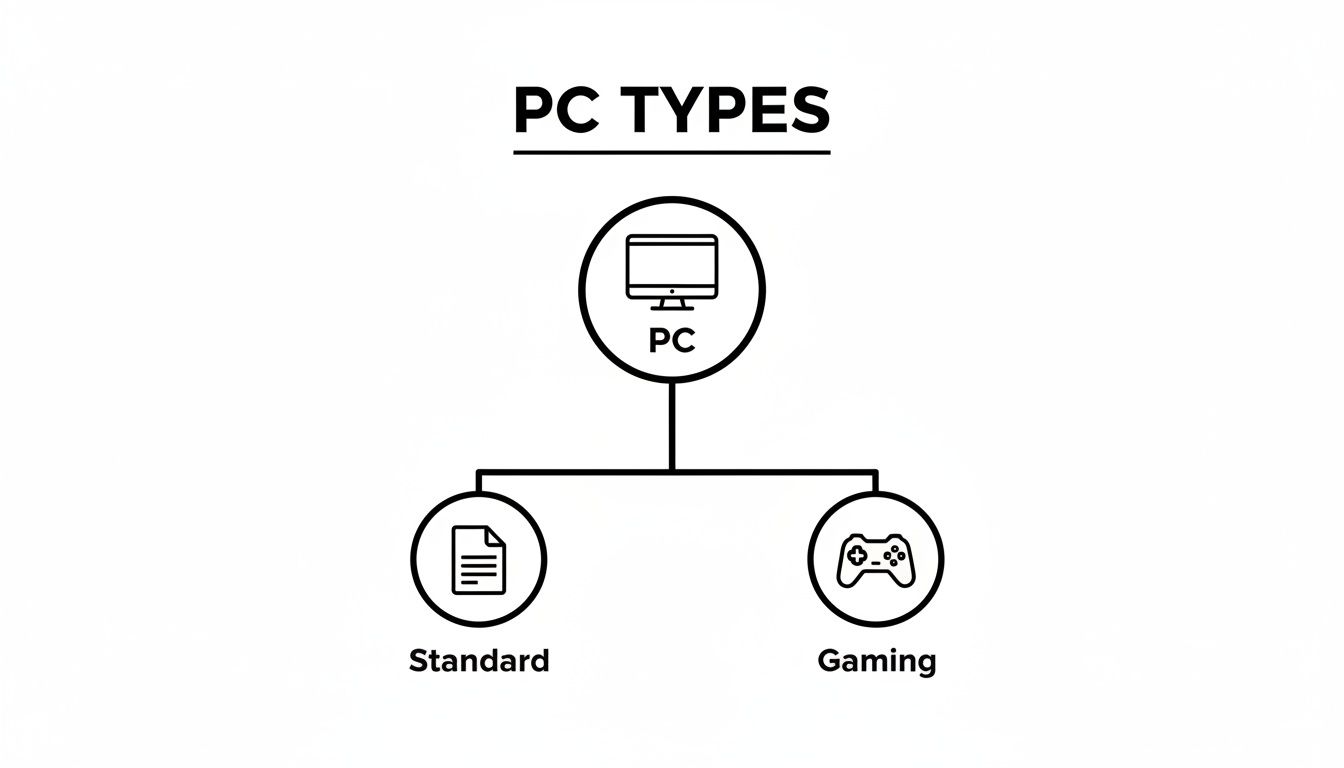
While they might look similar, a standard office PC and a purpose-built gaming machine are engineered for entirely different worlds from the get-go.
The CPU: The Brain of the Operation
Think of the Central Processing Unit (CPU) as the brain of your gaming PC. It's the component that executes instructions, runs your operating system, and crunches all the complex numbers that games throw at it—everything from enemy AI to in-game physics.
For gamers, a faster CPU means smoother gameplay, especially in strategy or simulation games where there are tons of moving parts to track at once. A powerful CPU can manage complex scenarios without getting bogged down, preventing the kind of lag and stuttering that can cost you a competitive match.
The GPU: The Master Artist
The Graphics Processing Unit (GPU), or graphics card, is arguably the most important part of any gaming PC. It's the master artist, responsible for rendering the stunning 3D worlds you see on screen. It takes raw data and transforms it into the beautiful, fluid images that make modern games so immersive.
A strong GPU lets you crank up the settings, play at higher resolutions (like 1440p or 4K), and turn on fancy visual effects like ray tracing for hyper-realistic lighting. If your frame rates are dropping or you're seeing weird visual glitches, a struggling GPU is often the culprit.
The relationship between the CPU and GPU is a critical partnership. If you pair a monster GPU with a weak CPU, you'll create a "bottleneck." The CPU just can't feed the GPU data fast enough, and all that graphical power goes to waste.
RAM: The High-Speed Workbench
Random Access Memory (RAM) is your PC’s short-term memory. Picture it as a high-speed workbench where your computer keeps all the data it's actively using—the game itself, plus background apps like Discord or a web browser. Having enough RAM is key to making sure your system can multitask without grinding to a halt.
These days, 16GB is the sweet spot for modern gaming, giving you plenty of headroom for most titles. If you plan on streaming or running a lot of programs at once, bumping up to 32GB is a smart move. Not enough RAM will cause stutters or crashes as your PC scrambles to pull data from its slower main storage.
Storage: The Digital Library
Your storage drives—either a Hard Disk Drive (HDD) or a Solid-State Drive (SSD)—are the digital library for your PC. They hold your operating system, your programs, and, most importantly, your entire game collection. The big difference between them comes down to one thing: speed.
- HDDs are the old-school mechanical drives. They offer huge amounts of storage for a low price, but they're much slower.
- SSDs use modern flash memory with no moving parts, making them lightning-fast. Putting your OS and games on an SSD means way shorter load times and a much snappier-feeling computer.
The best setup for most gamers is a combination of the two: a smaller, faster SSD for the operating system and your favourite games, paired with a large HDD for everything else. If you're looking to make some smart upgrade choices, you can check out our guide on the best gaming PC components.
The PSU: The Heartbeat of the System
The Power Supply Unit (PSU) is the unsung hero of your gaming rig. It’s the heart that pumps clean, stable electricity to every single component. You can't see it working, but a good-quality PSU is absolutely essential for system stability and protecting your expensive hardware.
When you're looking at a PSU, the key specs are its wattage and its efficiency rating (like 80 Plus Bronze or Gold). Trying to run your system on an underpowered PSU is a recipe for random shutdowns and can even damage your parts. It’s always smart to get one with enough juice for your current CPU and GPU, plus a little extra headroom for future upgrades.
Choosing Your Path: Building vs. Buying
So, you're ready for a gaming PC. Awesome. Now comes the first big decision, and it’s a classic one in the PC gaming world: should you build it yourself or buy one pre-made? Both paths lead to fantastic gaming, but they're built for different people with different priorities.
Think of it as a trade-off. Building your own rig gives you total control over every nut and bolt, often saving you a few bucks in the process. On the other hand, buying a pre-built system gets you gaming today with a single, simple warranty. There's no right answer here—just what's right for you.
This whole conversation is more relevant than ever, especially right here in Ontario. The gaming scene around Hamilton has absolutely blown up, with enthusiasts looking for everything from high-end custom builds to expert advice. This isn't just a local trend; it's part of a massive surge in Canadian esports. Back in 2022, Canada had over 1.2 million gamers competing in esports tournaments, and a whopping 65% of them were using high-performance desktops to get that competitive edge. You can find more details on this growing market at factmr.com.
The Case for Building Your Own PC
For a lot of us, building a PC is a rite of passage. It's an incredibly satisfying project that connects you to your machine on a deeper level. You're in the driver's seat, hand-picking every single component—from the CPU to the case fans—to create something that perfectly fits your games, your style, and your budget.
This is where the magic happens. Need a whisper-quiet rig for late-night sessions? You can spend a little extra on premium cooling and a sound-dampened case. Working with a small desk? No problem, just build around a compact mini-ITX motherboard. That fine-grained control is the number one reason to go DIY.
Building a PC isn't just about assembling parts; it's about creating a machine that is uniquely yours. The knowledge you gain makes future upgrades and troubleshooting far less intimidating.
Now, it's not all plug-and-play. The DIY route takes a bit of homework, a healthy dose of patience, and the willingness to roll up your sleeves if it doesn't boot up on the first try. While you skip paying for assembly labour, you're also the one responsible for warranties on individual parts and fixing any hiccups along the way. If that sounds like a challenge you're ready for, our guide on how to build a gaming PC is a great place to start.
The Appeal of a Pre-Built Gaming PC
Let’s be honest: sometimes you just want to play. For many gamers, convenience is everything. Buying a pre-built PC from a trusted company completely sidesteps the headache of picking parts, checking for compatibility, and the actual build process. You pick a model, you click buy, and it shows up at your door ready to go.
This is the perfect route if you'd rather spend your time in-game than on YouTube watching build tutorials. The biggest plus? A single, comprehensive warranty. If something goes wrong, you make one call. You don't have to play detective trying to figure out which specific part is failing. That peace of mind is worth a lot.
Plus, these systems are put together by people who do it all day, every day. They're professionally assembled and stress-tested, so you can count on them to be stable right out of the box. You might pay a bit more for that labour and support, but you get back a ton of time and avoid the potential frustration of a DIY project gone sideways.
The Hybrid Solution: Local Custom Builds
What if you want the best of both worlds? There's a fantastic middle ground: getting a custom PC designed for you and assembled by a local professional. This is for anyone who wants a machine built to their exact needs without having to build it themselves.
Experts, including specialists in computer & laptop repairs in Hamilton, can sit down with you and map out a PC that hits every one of your performance and budget goals. They handle sourcing the parts, the intricate assembly, and the heavy-duty testing. The result is a truly personal machine, backed by professional support and a solid warranty. It’s the customization of a DIY build paired with the convenience of a pre-built—a killer combo for any gamer.
Build vs. Buy: A Head-to-Head Comparison
To make things even clearer, let's break down the pros and cons of each approach. This table gives you a quick snapshot to help you see which path aligns best with your goals, skills, and priorities.
| Factor | Building Your Own PC | Buying a Pre-Built PC |
|---|---|---|
| Customization | Total Control. You pick every single component. | Limited. You choose from pre-set configurations. |
| Cost | Generally more cost-effective since you don't pay for labour. | Can have a higher upfront cost due to assembly and support. |
| Effort & Time | Time-consuming. Requires research, assembly, and troubleshooting. | Fast and easy. Ready to use right out of the box. |
| Knowledge Gained | Excellent learning experience. You'll understand your PC inside and out. | Minimal. No technical knowledge is required. |
| Warranty & Support | Individual part warranties. You handle RMAs for each component. | Single, comprehensive warranty. One point of contact for all issues. |
| Best For | Enthusiasts, tinkerers, and budget-conscious gamers who want control. | Gamers who prioritize convenience, time, and straightforward support. |
Ultimately, whether you build it piece by piece or buy it ready to go, the goal is the same: to have an amazing machine that lets you dive into the games you love. Both are valid paths to get there.
How to Upgrade Your Gaming PC for Peak Performance
One of the best things about owning a gaming PC is that it's not a static box. Think of it as an investment you can grow over time. As new games push the limits of technology, you don’t need to rush out and buy a whole new machine. A few smart upgrades can breathe new life into your rig, keeping it in the fight for years to come without draining your bank account.
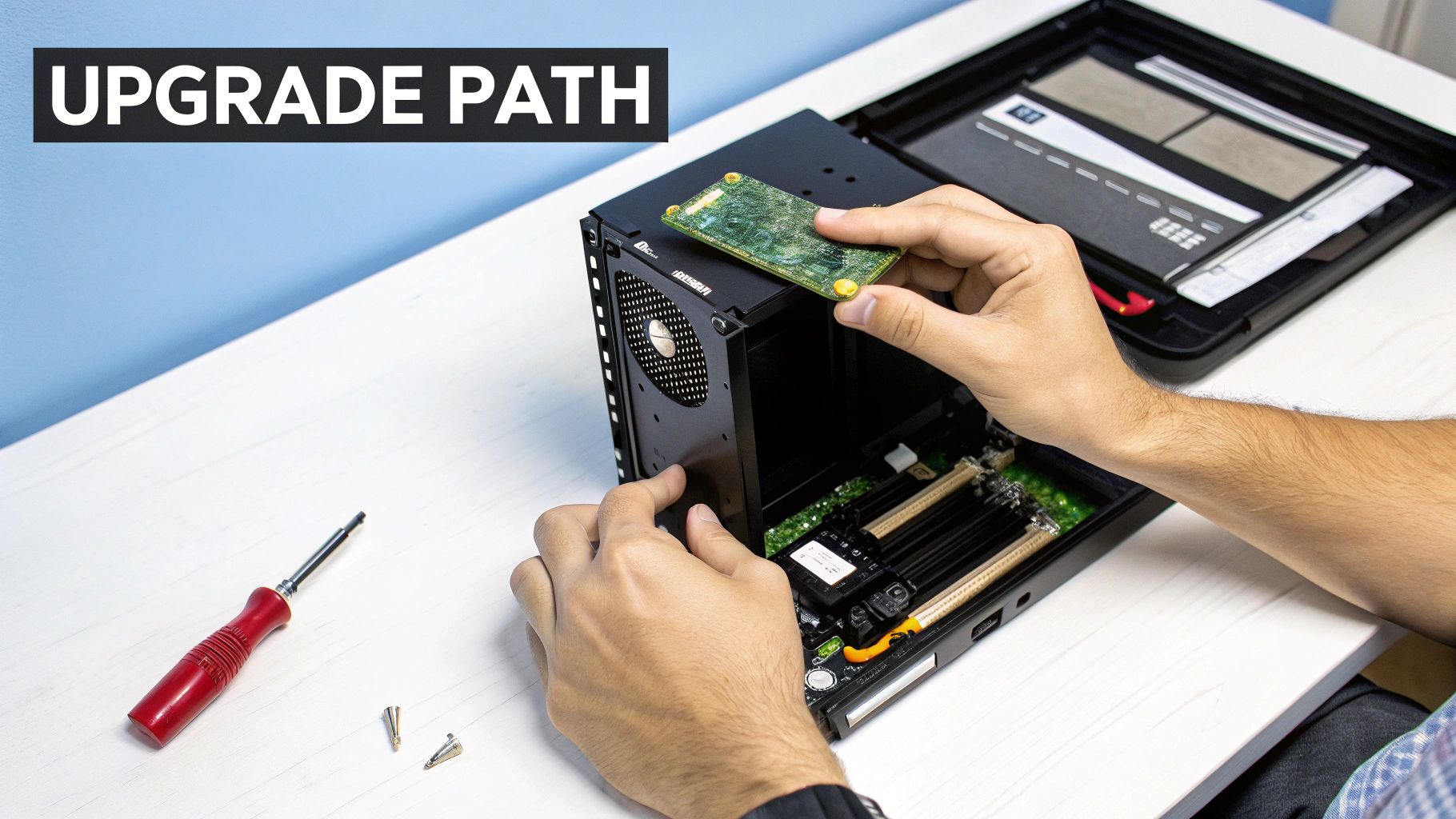
The trick is figuring out what’s holding your system back. Are you tired of staring at loading screens that feel like they take forever? Or maybe your frame rate tanks the second a big firefight breaks out? Finding that weak link is the first step toward a smart, effective upgrade. This can feel a bit daunting, but professional computer & laptop repairs in Hamilton can quickly diagnose the problem and point you toward the upgrades that will make the biggest difference.
The Most Impactful Upgrades for Your Gaming PC
Let's be clear: not all upgrades are created equal. Some parts give you a much bigger performance jump than others, offering way more bang for your buck. If you're looking to see a real, tangible improvement in your games, these are the components to focus on first.
Graphics Card (GPU): This is, without a doubt, the number one upgrade for boosting your frame rates (FPS). A new GPU means you can crank up the resolution, turn on eye-candy settings like ray tracing, and finally get that buttery-smooth gameplay you’ve been craving.
Storage (SSD): If your games are still running on an old mechanical hard drive (HDD), switching to a Solid-State Drive (SSD) will feel like a night-and-day difference. Load times will practically vanish, and your whole computer will feel snappier and more responsive. It’s a massive quality-of-life improvement.
Memory (RAM): Bumping your RAM from 8GB to 16GB (or 16GB to 32GB for you serious multitaskers) is the key to eliminating annoying stutters and performance hiccups. Think of RAM as your PC's short-term workspace; more of it lets your computer handle demanding games and background apps at the same time without breaking a sweat.
Here in Hamilton, Ontario, we’re seeing this trend firsthand. Our city is a real hub for Canada's gaming PC scene, with local enthusiasts swapping out hardware at a rate 20% higher than the national average. This is largely because premium gaming is booming, with desktops making up 59.39% of gaming PCs sold in the area. You can find more interesting data on PC market trends over at mordorintelligence.com.
Identifying Performance Bottlenecks
So, how do you know which part actually needs upgrading? Your PC's performance is only as good as its weakest component. It’s a classic "bottleneck" problem. If you pair a brand-new, top-of-the-line GPU with a processor from five years ago, that old CPU just won't be able to feed data to the graphics card fast enough. You end up wasting the potential of your expensive new part.
A balanced system is a powerful system. The goal of upgrading is to ensure your CPU, GPU, and RAM can all keep up with each other, allowing each component to perform at its best without being held back by another.
A simple way to check for bottlenecks is to fire up a game and monitor your system's resource usage. If your CPU is constantly pinned at 100% usage while your GPU is chilling at 60%, your CPU is the bottleneck. On the flip side, if your GPU is screaming for mercy at 99-100% usage, it's the part working the hardest and the one that will give you the biggest boost from an upgrade.
Don't Forget Your Peripherals and Cooling
Upgrading isn't just about what’s inside the case. A fire-breathing gaming PC won’t do you much good if you’re still using a fuzzy, low-refresh-rate monitor from 2010. To really see and feel the power you've unlocked, you need to understand things like the best monitor refresh rate for gaming. It’s a crucial piece of the puzzle for a smooth, responsive experience.
Likewise, more powerful parts generate more heat. If your cooling system can't keep up, your shiny new components will "throttle"—intentionally slowing themselves down to avoid overheating. That completely defeats the purpose of upgrading! You can check out our handy comparison of liquid cooling vs. air cooling to figure out the right solution for your rig. When in doubt, a professional can make sure your new setup runs cool, quiet, and at peak performance.
Troubleshooting Common Gaming PC Problems
It’s every gamer's nightmare. One minute you're deep in the action, and the next, your screen goes black or freezes up. Even the most powerful gaming PC can hit a bump in the road. Knowing how to handle these common hiccups can save you a world of frustration and get you back in the game fast.
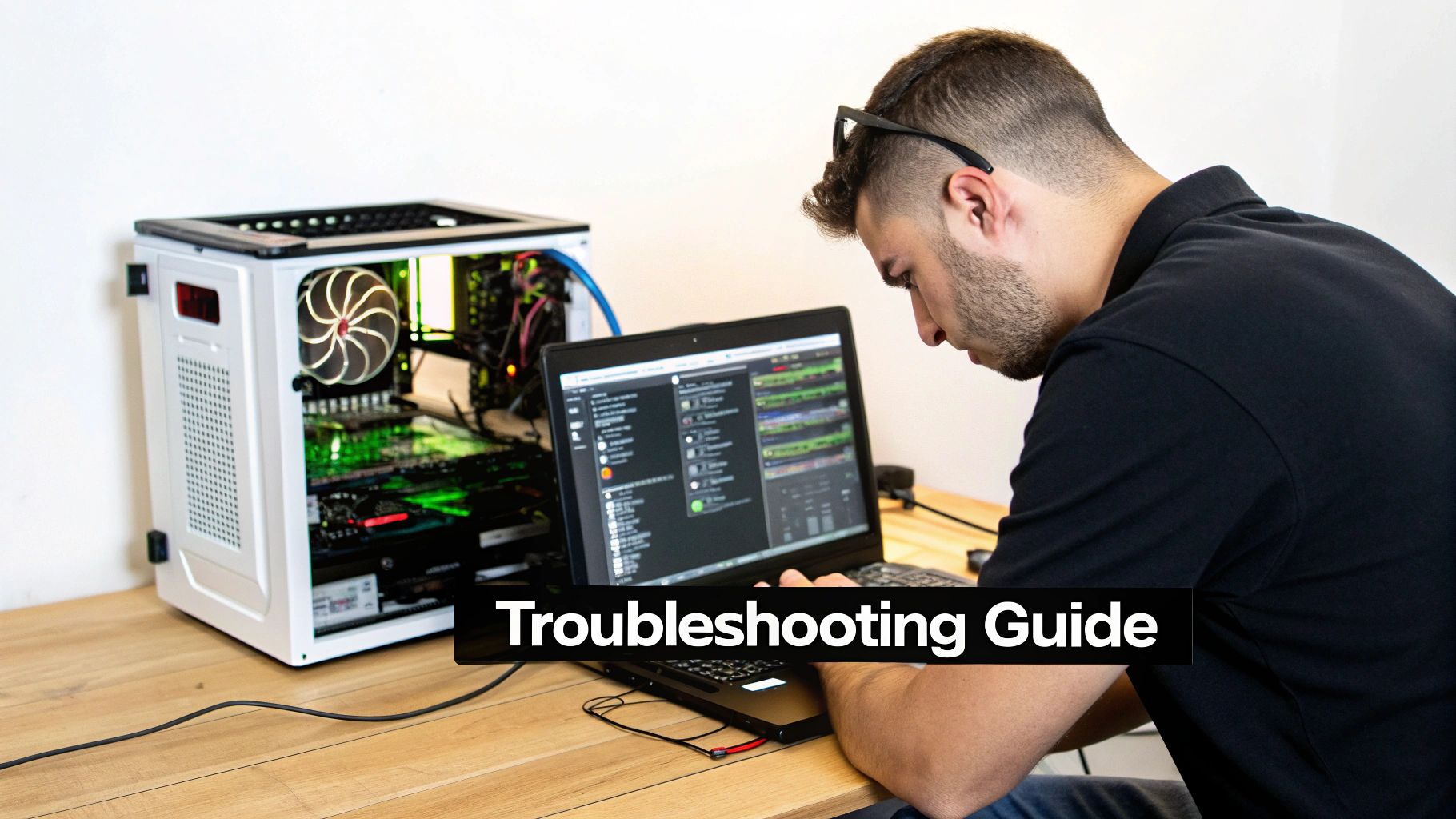
Think of this as a first-aid guide for the most frequent issues gamers run into. We'll walk through the basics you can check yourself, but just as importantly, we’ll help you spot when it's time to call in a pro. Some problems run deeper than a simple reboot can fix and need an expert eye.
The Infamous Blue Screen of Death
Ah, the dreaded "Blue Screen of Death" (BSOD). It's a classic PC problem where Windows throws its hands up, crashes, and flashes an error screen. It’s your system’s emergency brake, shutting everything down to prevent serious damage when something goes critically wrong.
These crashes can be caused by almost anything, from a fussy piece of software to a failing stick of RAM. The error message on the screen, often with a code like "MEMORY_MANAGEMENT," is your first clue to what’s going on.
A one-off blue screen might just be a random fluke. But if you start seeing them regularly, that's a huge red flag. Ignoring it is a gamble that could lead to lost data or a completely dead component.
Here’s a quick checklist to run through:
- Update Your Drivers: Out-of-date graphics or chipset drivers are a prime suspect for instability. Get everything up to date.
- Check for Overheating: High temperatures can cause all sorts of chaos. Use monitoring software to keep an eye on your CPU and GPU temps.
- Scan for Malware: Nasty software can cripple your system's stability. Run a thorough scan with a trusted antivirus program.
If none of that works, the issue could be a faulty component like your RAM or power supply. At this stage, bringing it in for professional computer repairs in Hamilton is the quickest way to get a clear diagnosis and a reliable fix.
Sudden Shutdowns and Performance Dips
Is your PC suddenly deciding to take a nap in the middle of a raid? Or maybe your once buttery-smooth frame rates have turned into a choppy slideshow. These two problems are often linked, and the usual suspect is heat.
When your CPU or GPU gets too hot, its first line of defence is to slow down, or "throttle," to protect itself. If the temperature keeps climbing, the system will often shut down completely as a last resort. The number one enemy here is dust, which clogs up fans and heat sinks, effectively trapping heat inside the case.
Another common cause is an overworked Power Supply Unit (PSU). If your PSU can't deliver enough clean power, especially during intense gaming moments, it can trigger a shutdown. We see this a lot when someone upgrades to a beastly new graphics card but forgets to upgrade the PSU to match.
Visual Glitches and Artifacts
Are you seeing bizarre colours, flickering shapes, or weird geometric patterns cluttering your screen? These visual errors are called "artifacts," and they almost always point a finger directly at your graphics card.
There are a few reasons this might be happening:
- Overheating: Just like with shutdowns, a GPU that's running too hot can start producing visual errors before it crashes.
- Unstable Overclock: Pushed your GPU’s clock speeds a little too far? Artifacts are the classic sign you need to dial it back a notch.
- Failing Hardware: Unfortunately, persistent artifacts can also mean the GPU itself is on its last legs.
Figuring out the exact cause requires a step-by-step process of elimination. If you're not comfortable opening up your rig and swapping parts, it's always best to get an expert opinion. To learn more about when to call for backup, you can check out our guide on how to fix your computer issues for a deeper dive.
Protecting Your Digital Gaming Life
Think about it: your gaming PC isn't just a machine. It's a vault. Inside, you've got hundreds, maybe thousands, of hours of game progress, a library of digital purchases worth a small fortune, and all your personal files. A single hard drive failure or a nasty virus could make it all vanish. Suddenly, protecting that digital life feels just as critical as picking the right GPU, doesn't it?
The dangers aren't just hypotheticals. Ransomware can lock up every file on your machine, and a sudden SSD failure can corrupt everything you've ever saved. This is happening right here in Hamilton. We've seen a 45% spike in data recovery requests from gamers since 2020. Local data also shows that 28% of rig failures in 2025 were traced back to SSDs giving up the ghost during intense gaming sessions, costing the average player around CAD 600 in lost saves and recovery fees. You can dig into the numbers yourself in this gaming hardware market report.
Building Your Digital Fortress
So, how do you guard your gaming world? It starts with a few smart habits. You don’t need to be a cybersecurity guru to build a solid defence against the most common headaches gamers run into. Being proactive is always better than scrambling after a disaster, especially when your latest saved game is on the line.
Here’s where to begin:
- Automated Backups: Don't just think about backing up your files, automate it. A great strategy is to use both a physical external drive for quick local restores and a cloud service for an offsite copy. That way, even if your entire PC goes down, your data is safe and sound somewhere else.
- Reputable Security Software: A good antivirus and anti-malware program is non-negotiable. Install a trusted one, let it update automatically, and run scans regularly to catch anything nasty before it can dig in.
- Smart Firewall Use: Your operating system comes with a perfectly good firewall. It's your first line of defence against sketchy network traffic. Just make sure it's turned on and doing its job.
When You Need Professional Help
While these DIY steps are essential, some problems are just too big to tackle alone. If you think a virus has burrowed deep into your system or you're dealing with a drive that’s clicking ominously, it's time to call in a pro. Here at Klimka, our computer & laptop repairs in Hamilton involve more than just swapping parts. We can run deep diagnostics, perform delicate data recovery from failing drives, and completely wipe out malware that refuses to leave.
Your game library, your photos, your projects—these things are priceless. A solid backup and security plan is the best way to make sure your gaming PC remains a source of fun, not a source of stress.
Understanding the whole digital ecosystem is also part of being a smart gamer. This complete digital gaming guide on game sharing is a great resource for learning how to manage your games and accounts securely. When you combine that knowledge with professional support, your digital world is in good hands.
Frequently Asked Gaming PC Questions
Jumping into the world of gaming PCs, whether you're a first-timer or a seasoned vet, always sparks a few questions. From keeping your machine in top shape to planning that next big upgrade, getting straight answers is crucial. We hear a lot of the same questions from our clients, so we've put together some quick answers to the most common ones.
How Often Should I Clean My Gaming PC?
This is one of the most important things you can do for your rig. A little preventative maintenance goes a long way. We suggest giving the external vents and filters a light dusting at least once a month. This simple step stops dust from building up in the first place.
Every three to six months, it’s time for a deeper clean. This means popping the side panel off and using some compressed air to carefully blow the dust out of your fans, heatsinks, and other nooks and crannies. If you've got furry friends at home, you'll probably want to do this more frequently—pet hair is a magnet for computer fans and can clog them up fast.
A clean PC is a cool PC. Think of dust as a blanket; it traps heat and makes your components work harder than they need to. This can slow down your performance and even shorten the lifespan of your hardware.
Believe it or not, overheating from dust buildup is one of the most common problems we fix with our computer & laptop repairs in Hamilton. A bit of regular cleaning can save you a lot of headaches.
What Is the Best Component to Upgrade for More FPS?
If you're chasing higher frame rates (FPS), your Graphics Processing Unit (GPU) is almost always the answer. The GPU is the workhorse that renders all the stunning visuals in your games. Upgrading it is the most direct way to get smoother gameplay, crank up the resolution, and max out those graphics settings.
But there's a catch: your system needs to be balanced. If your CPU is a few generations old, it can become a "bottleneck," essentially holding back your shiny new GPU because it can't feed it information fast enough. In that case, a CPU upgrade might be needed to really see what your new graphics card can do. If you're not sure, a quick diagnostic can tell you exactly where your system's weak link is.
Is a Gaming PC Worth It for a Casual Player?
One hundred percent, yes. Even a modest, entry-level gaming PC offers a massively better experience than a standard desktop, no matter what you play. Games will run smoother, load times will be a fraction of what you're used to, and you'll be able to play a much wider range of titles without issue.
And it's not just about gaming. These PCs are fantastic all-rounders. Their powerful hardware makes them perfect for juggling multiple tasks, getting into creative work like photo and video editing, or just enjoying media. This versatility makes a gaming PC a smart, long-term investment for just about anyone, not just the hardcore crowd.
No matter what questions are on your mind, from fixing a weird glitch to dreaming up your next custom build, the team at Klimka Computer Solutions is here to help. Visit us online to see how our expert repair, upgrade, and custom PC services in Hamilton can work for you.
No Responses