
When your computer starts acting up in Los Angeles or San Diego, it’s easy to panic and start pricing out new models. I get it. But hold on a second. Before you resign yourself to a big expense, remember that a good local PC repair shop in your California neighborhood can often be your saving grace. More often than not, a professional fix is the smarter, more economical choice.
Why Local PC Repair Is Often the Smartest Choice
That sinking feeling when your PC slows to a crawl or flashes an error message is all too familiar to residents across California. It’s tempting to think the machine is a lost cause, but many of the most common computer problems are surprisingly straightforward—and affordable—to fix. This is where a local expert really shines, offering the kind of personal service and quick turnaround that big box stores in cities like Sacramento just can't compete with.
Choosing to repair your computer doesn't just help your wallet; it supports a small business in your local community. You're not just another ticket number. You’re building a relationship with a technician who has a vested interest in getting you back up and running smoothly right here in your town.
Deciding When to Repair or Replace
Some problems are clear-cut wins for the repair route. A sluggish computer might just need a simple RAM upgrade or a good software clean-up. Virus and malware infections? A skilled technician in your area can usually scrub those away without needing to wipe your whole system. Even physical damage, like a cracked laptop screen, is a routine fix for the right local professional. If you want to dive deeper into the process, you can learn more about how to properly fix the computer with expert help.
To make it even clearer, this infographic breaks down common scenarios where heading to a local shop is the best call.
As you can see, frustrating issues from poor performance to nasty malware often have very manageable repair solutions.
Of course, cost is always a big part of the equation. Here in California, repair prices depend on how complex the job is. For example, a thorough virus and malware removal will typically set you back $90 to $180. A hardware fix, like replacing a noisy fan or a faulty power supply, might be in the $120 to $300 range. Knowing these ballpark figures makes it much easier to compare the cost of a repair against the price of a brand-new machine.
To help you get a quick sense of what you might be facing, I've put together this table outlining some frequent PC issues and whether a local California shop is your best bet.
Quick Guide to Common PC Problems and Repair Options
| Common PC Issue | Typical Cause | Is a Local Repair Shop a Good Solution? | Estimated Repair Time |
|---|---|---|---|
| Slow Performance | Lack of RAM, full hard drive, malware | Yes, definitely. Often a quick fix. | 1-3 hours |
| Blue Screen of Death (BSOD) | Driver conflicts, failing hardware, corrupt OS files | Yes. They can diagnose the root cause. | 1-2 days |
| Virus/Malware Infection | Malicious downloads, phishing links | Absolutely. This is their bread and butter. | 2-4 hours |
| No Internet Connection | Faulty network card, driver issues, malware | Yes, if basic troubleshooting fails. | 1-2 hours |
| Cracked Laptop Screen | Physical impact or dropping | Yes. A very common and routine repair. | 1-3 days (parts may need ordering) |
| Computer Won't Turn On | Failed power supply, motherboard issue | Yes. This requires professional diagnostics. | 2-5 days |
This table should give you a solid starting point for diagnosing your issue and understanding the next steps. A quick call to a local shop in your area can provide even more clarity.
By getting a handle on typical repair costs and which issues are easily fixable, you can make a smart, informed decision. This not only saves you money but also gets more life out of the device you already own, proving just how valuable a good local repair shop can be.
Finding the Best Technicians in Your Area
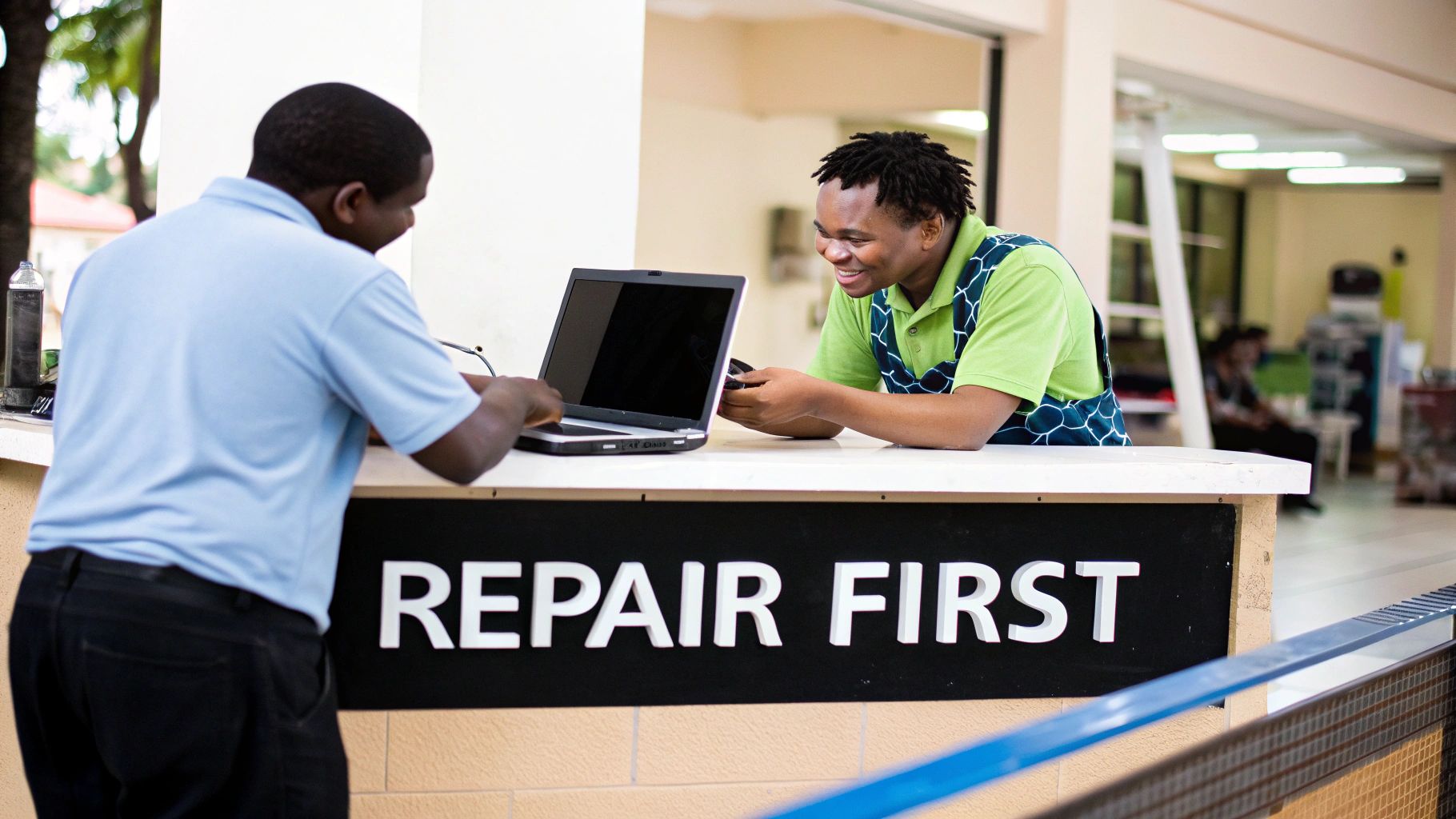
Finding the right person to fix your computer starts with knowing where to look. Sure, a quick Google search is the obvious first move, but the best pc repair shop near me isn't always the one that pops up first. To find the real local gems in California, you'll need to dig a little deeper.
Get specific with your search terms right away. Instead of just typing "PC repair," try adding your city, neighbourhood, or even your zip code. A search for 'PC repair in San Francisco' or 'computer technician in Orange County' will give you much more targeted results than a vague query. This simple trick helps you sidestep the big national chains and focus on the shops that actually serve your community.
Beyond the Search Bar
Don't forget about your neighbours! Your local California community is often the most reliable source of information. The power of word-of-mouth is still huge, even if it's happening online these days.
Hop onto platforms like your local Facebook groups or Nextdoor and just ask for recommendations. This is where you'll find unfiltered opinions and discover those fantastic little shops that might not have a big ad budget. People are usually pretty quick to share who they trust and who they'd avoid, giving you a much clearer picture of what to expect in your area.
It also helps to know that the top search result isn't always the best business, just the one with the strongest marketing. Many small shops rely on effective local SEO strategies for small businesses to get noticed, so a great technician might be waiting for you on the second page.
Tapping into community forums and asking for direct recommendations can uncover hidden gems—local shops known for their exceptional service and honest pricing rather than just their online marketing budget.
Once you’ve got a shortlist, start looking at what each shop actually does. Some are hardware wizards, while others specialize in software or data recovery. Taking a moment to look over a list of personal computer services can help you match a shop's skills to your specific issue. This bit of homework upfront will pay off when you start vetting your candidates.
How to Vet and Compare Local Repair Shops
https://www.youtube.com/embed/IZPYgL8ub_c
So, you've got a shortlist of local PC repair shops in your California city. Now comes the real work: separating the genuine experts from the slick marketers. This is where you put on your detective hat and dig a little deeper than just a quick glance at their website.
Your first move should be to check out their online reviews, but don't just look at the star ratings. A single, detailed one-star review explaining a specific, unresolved problem tells you far more than ten vague five-star ratings that just say "great service." Look for patterns. If you see multiple people mentioning surprise fees, poor communication, or the same issue cropping up again after a "fix," that’s a serious red flag.
Questions to Ask Before You Commit
After you've filtered your list based on reviews, it's time to actually talk to someone. Making a quick phone call to a shop in your area can reveal a lot about their customer service and transparency. After all, a trustworthy shop will be open and honest from the very first conversation. Understanding the typical strategies for building customer trust can help you instantly recognize which shops are making a real effort.
Here are a few must-ask questions before you even think about handing over your computer:
-
Do you charge a diagnostic fee? Some local shops will charge you just to figure out what's wrong, while others will roll that fee into the final repair cost. You need to know this before you walk in the door.
-
Do you offer a warranty on your repairs? This is non-negotiable. A confident, reputable shop will always stand behind its work. A 30-day warranty is pretty standard and shows they’re confident in the quality of their service.
-
What's your experience with my specific problem? Be specific. If you’re getting the infamous Blue Screen of Death, ask them about their approach. A seasoned pro will be familiar with the systematic troubleshooting outlined in guides like our one on how to fix the blue screen of death in Windows 10.
-
Can you give me a rough estimate? Nobody can give you a firm quote over the phone. But a technician should be able to give you a ballpark price range for common issues like a screen replacement or a hard drive failure.
Pro Tip: A technician who is patient, answers your questions without using confusing jargon, and avoids pressuring you is a huge green flag. If they're dodgy about pricing or seem annoyed by your questions, it’s best to just move on.
Vetting Checklist for Your Potential PC Repair Shop
To keep things organized, it helps to jot down your notes as you call around. A simple checklist can make comparing your top choices in your local area much easier.
| Vetting Criteria | Shop 1 Notes | Shop 2 Notes | Shop 3 Notes |
|---|---|---|---|
| Online Review Patterns | |||
| Diagnostic Fee Policy | |||
| Warranty Offered (Length?) | |||
| Technician's Confidence | |||
| Provided a Price Range? | |||
| Overall Gut Feeling |
This isn't just about finding the cheapest option. It’s about finding a reliable partner you can trust with your important files and expensive hardware. A little bit of homework now can save you a world of headaches later.
Getting to Know California's PC Repair Scene

Before you start looking for a PC repair shop near me in California, it helps to understand the local market. The state is huge, and the tech repair industry isn't the same everywhere. What you'll find in a tech-heavy city like San Jose is worlds away from the options in a smaller town like Fresno or Bakersfield.
This difference can affect everything, from the types of services offered to how much you'll pay.
Interestingly, while the broader electronic repair industry in California has seen a slight dip of about -1.8% annually between 2020 and 2025, the demand in major hubs is as strong as ever. A recent industry analysis of California's computer repair market shows that counties like Los Angeles, Orange, and San Diego are still the epicentres of the repair world. For you, this means if you live in a big California city, you've got options.
How This Affects Your Search
So, what does this all mean when your computer is on the fritz? In a competitive urban area like San Francisco or LA, you’ll likely find shops with highly specialized skills and better pricing because they have to compete for your business.
Out in a more rural spot, your local tech is probably more of a jack-of-all-trades. They can handle a wide range of problems but might have to order parts, which can add a few days to your repair time.
Knowing these regional differences helps you set realistic expectations. It explains why one shop might have a part on hand while another needs a few days, empowering you to make a more informed choice for local service.
For local companies across California, this reality check underscores the need for a solid IT game plan. Keeping your systems running smoothly is non-negotiable, which is why many turn to dedicated small business IT support to prevent problems before they start.
Getting Your PC Ready for the Repair Shop
Once you've found a local PC repair shop you trust in your neighborhood, a little prep work goes a long way. Before you drop off your computer, taking a few minutes to protect your data and document the machine's condition can make the whole experience smoother and safer for everyone. Think of it as a bit of digital and physical housekeeping.
Back Up Everything (No, Really)
This is the big one. Your photos, documents, and personal files are irreplaceable, so you need to back them up. Even a seemingly simple repair can sometimes turn into a major one, and technicians occasionally need to wipe the system clean and start fresh.
Your best bet is to copy all your important files to an external hard drive or a secure cloud storage service. It’s a small investment of time that gives you complete peace of mind. If you need a hand with this, our guide on effective data backup strategies walks you through the process.
Protect Your Privacy
Next, it's time to log out of your personal accounts. A technician needs access to your computer's operating system to run diagnostics and test fixes—they don't need access to your personal life.
Be sure to sign out of:
- Email: Your inbox is often the key to everything else.
- Banking and Financial Apps: Don't leave a direct line to your finances open.
- Social Media: Keep your private messages and personal connections secure.
- Cloud Storage: Disconnect services like Google Drive, Dropbox, or OneDrive.
A professional technician’s job is to fix your computer, not to poke around in your private files. Still, logging out is a smart, common-sense precaution that protects both you and the tech.
Document the Computer's Condition
Finally, grab your phone and take a few quick photos or a short video of your computer. Get shots of the screen, the casing, and the keyboard from a few different angles.
This creates a simple visual record of its physical state before you handed it over. It’s a quick way to prevent any disagreements later about pre-existing scratches or damage. A few seconds of documentation can save you a massive headache when you go to pick it up.
Your Top PC Repair Questions Answered for California

Even when you've found what seems like the perfect local PC repair shop, it's natural to have a few last-minute questions. It's your computer, after all. Let's walk through some of the most common concerns we hear from folks here in California, so you can hand over your device with total peace of mind.
What Should I Expect to Pay for a Repair?
This is the big one, isn't it? In California, repair costs can swing quite a bit depending on where you are and what’s wrong. For something straightforward like a virus cleanup in a city like San Diego, you’re probably looking at a range of $90 to $180.
However, for more complex hardware jobs—say, replacing a fried motherboard or a cracked laptop screen—the price will naturally be higher. A good rule of thumb is to always get a detailed, written quote from your local shop before you agree to any work.
How Long is This Going to Take?
Patience is tough when you're without your computer. The turnaround time really comes down to two things: the complexity of the problem and whether parts are in stock locally.
A software glitch or a standard operating system reinstallation can often be sorted out within 24 hours. But if the technician needs to order a specific part, like a new graphics card or a specific model of screen, you could be looking at a 3 to 5-day wait.
A trustworthy local shop will always be upfront about timelines. If they seem evasive about how long it will take after they've diagnosed the problem, that's a red flag.
Is My Personal Data Safe?
Absolutely. Your data privacy should be a local technician's top priority. Their job is to fix your computer, not snoop through your family photos or financial documents.
Before any major repair that could affect your hard drive, a professional shop should offer to back up all your critical files. Still, it’s always a smart move to do your own backup before you drop it off. For extra security, log out of important accounts like your email and banking apps. Better safe than sorry.
What if the Problem Comes Back?
This is exactly why warranties are so important. Any reputable PC repair service in California will stand by their work with a warranty, which is usually around 30 days for labour.
If the exact same issue pops up again within that timeframe, they should resolve it for you without any additional charge. Don't be afraid to ask about their warranty policy before committing to the repair.
When you need fast, honest, and reliable computer service in your local California area, trust the experts at Klimka Computer Solutions to get you back up and running. Learn more about our PC repair services and book an appointment today!
One Response
[…] you're looking for a trustworthy expert, checking out a local PC repair shop near me is your best bet for finding someone who values quality and customer service. When your MacBook […]