Before you jump to booking a screen replacement for your Mac Air, let's make sure the screen is actually the problem. A shattered display is a dead giveaway, of course. But other, more subtle signs like flickering, strange vertical lines, or dead pixels are also tell-tale signs that a component is on its last legs.
Knowing what to look for helps you get the right fix and avoid paying for diagnostics you don't need, which is a key part of quality computer & laptop repairs in Hamilton.
How to Know If Your MacBook Air Screen Needs Replacing
Figuring out if your MacBook Air screen is failing can save you a lot of time and headaches. It’s a bit like diagnosing a problem with your car—knowing whether you have a flat tire or a major engine issue points you to the right solution. Here in Hamilton, we see many people assume the worst, but not every weird display glitch means you need a brand-new screen.
Sometimes, a simple software bug can look a lot like a hardware failure. A quick restart or even booting your Mac into Safe Mode can often rule out those temporary hiccups. But if the symptoms are physical and they just won't go away, it's almost always a sign of a damaged screen that needs a professional eye.
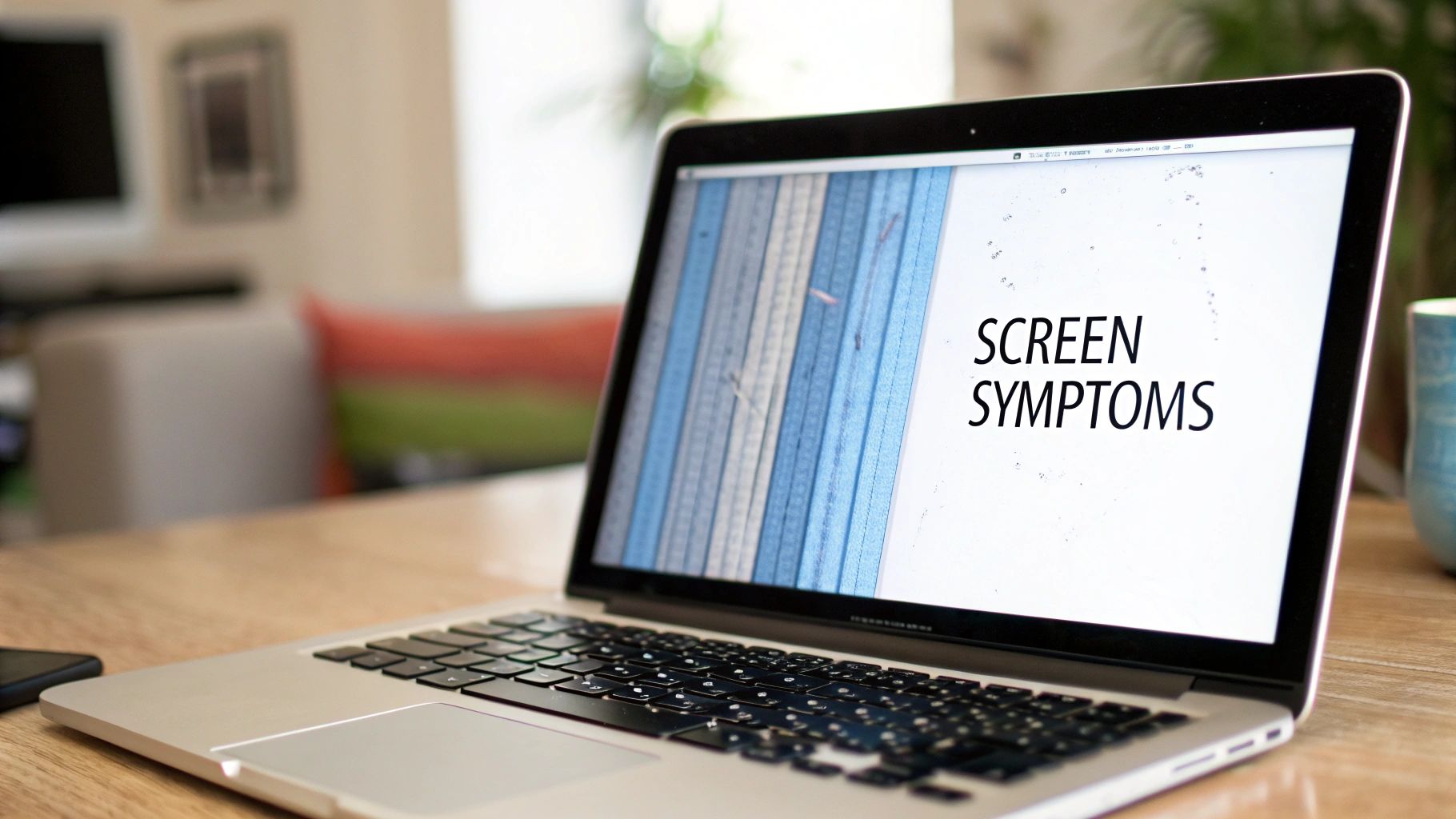
Common Symptoms of a Damaged Screen
If you're seeing any of these issues, there's a very good chance your display is what’s failing:
- Visible Cracks or Physical Damage: This one's the most obvious. Even a tiny crack can spiderweb over time, causing colours to "bleed" across the screen or creating dead spots.
- Flickering Display: When your screen randomly flickers, it's often a sign of a loose internal connection or a failing backlight. Think of it like a faulty light bulb in your house—the connection isn't stable, so it can't deliver consistent power.
- Vertical or Horizontal Lines: Those stubborn, colourful lines that stretch across your screen are a classic symptom of a damaged LCD panel or a faulty display cable. They won't disappear after a restart and usually get worse.
- Dead Pixels or Black Spots: These are small black or discoloured dots that never change. While one or two might not be a big deal, a growing cluster means the screen itself is starting to degrade.
- Colour Distortion: If your screen is showing bizarre colours, inverted images, or just looks completely washed out, it’s almost certainly a hardware failure inside the display assembly.
Being able to spot these specific symptoms is the first step. A clear diagnosis means that when you bring your Mac Air in for a screen replacement, the technician can get right to the root of the problem, saving you both time and money.
It’s important to distinguish these signs from other potential issues. For more a broader overview, you can check out our guide on general computer monitor repair to better understand display problems. The more clearly you can identify the issue, the better prepared you'll be when you talk to a repair professional.
What Will a MacBook Air Screen Replacement Cost in Hamilton?
Let's get straight to it: the big question on everyone's mind is, "How much is this going to set me back?" The final price for a screen replacement on a Mac Air isn't just a single number. It’s really a mix of a few key things: your specific MacBook model, the type of parts used for the fix, and the technician's time.
Here in Hamilton, you'll see a pretty wide range of costs for computer & laptop repairs. Swapping out the screen on an older MacBook Air, say the classic A1466 model, is usually much easier on the wallet than fixing a brand-new M1 or M2 model. Those newer machines feature stunning Retina displays that are just more complex.
Think of it like working on a car. A standard part for a popular, older model is way cheaper than a specialized component for a high-performance, late-model vehicle. The same logic applies here—the advanced technology in a Retina display simply costs more to manufacture and replace.
Key Factors Driving the Repair Cost
So, what exactly goes into the final quote? It's more than just the price of the screen itself.
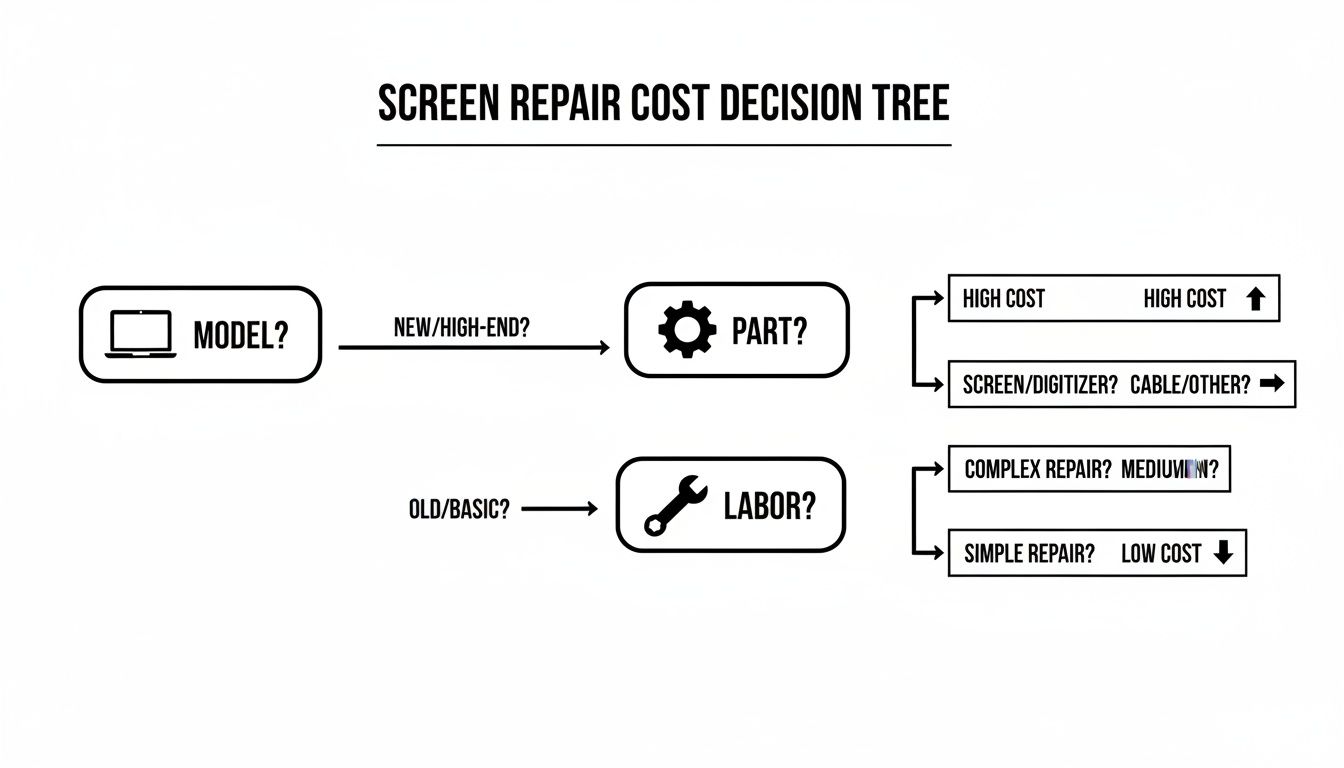
- MacBook Air Model and Year: This is the biggest one. Newer models, especially the M-series MacBooks with their high-resolution Retina screens, have much more expensive and complex display assemblies.
- Your Choice of Parts: You’ll typically have a choice between Original Equipment Manufacturer (OEM) parts (the same ones Apple uses) and high-quality aftermarket screens. Aftermarket options can save you a good chunk of money.
- Labour and Expertise: The intricacy of the repair matters. Newer MacBooks are engineered to be incredibly thin and are often sealed shut, making the screen replacement a delicate, time-consuming procedure for even a seasoned pro.
When you're weighing your options, it's a bit like deciding on home maintenance. The core idea is the same as saving money and time on repairs—you want to find that sweet spot between upfront cost and long-term quality.
Setting Realistic Price Expectations
To give you a clearer picture, let's talk numbers. The table below outlines some typical costs you might see around Hamilton, based on your MacBook Air model and the type of part you choose. This should help you budget and know what to expect.
Estimated MacBook Air Screen Replacement Costs in Hamilton
| MacBook Air Model | Estimated Cost (Aftermarket Parts) | Estimated Cost (OEM Parts) | Typical Turnaround Time |
|---|---|---|---|
| A1466 (2013-2017) | $249 – $299 | $350 – $450 | 1-2 Business Days |
| A1932 (2018-2019) | $349 – $449 | $550 – $650 | 2-3 Business Days |
| A2179 (2020 Intel) | $399 – $499 | $600 – $700 | 2-3 Business Days |
| A2337 (M1, 2020) | $449 – $549 | $650 – $800+ | 3-5 Business Days |
| A2681 (M2, 2022) | $499 – $649 | $750 – $900+ | 3-5 Business Days |
These figures give you a solid baseline for what a fair repair price looks like. Remember, these are estimates, and the final quote will depend on the specific shop and parts availability.
When you get a quote, you'll now be armed with the right information. You'll know what questions to ask and can confidently judge if the price you're being offered is fair for the work and parts involved.
Knowing what to expect financially is a huge relief. For a deeper dive into how these costs compare across different types of laptops, not just MacBooks, feel free to check out our complete guide on the average laptop screen replacement cost.
OEM vs. Aftermarket Screens: What Is the Best Choice?
When your MacBook Air screen needs replacing, one of the first big decisions you'll face is whether to go with an OEM or an aftermarket part. This can feel like a tricky choice, but it's really about finding the right balance between cost, quality, and how you personally use your laptop. It’s less about "good vs. bad" and more about what makes the most sense for you.
Think of it like fixing your car. You could go to the dealer and get the official manufacturer's part, which you know will be a perfect fit but will also come with a hefty price tag. Or, you could opt for a high-quality part from a trusted third-party brand that does the exact same job for a lot less money. The same logic applies to your MacBook's screen.
This decision is a major fork in the road when it comes to the final repair bill. As you can see below, your choice of parts—along with your specific MacBook model and the complexity of the job—are the three main factors that determine the cost.
Let's break down what each option really means.
Understanding Original Equipment Manufacturer (OEM) Parts
Original Equipment Manufacturer (OEM) screens are the genuine article—the very same displays Apple uses to assemble a brand-new MacBook Air. They guarantee a flawless match in every single way, from precise colour calibration to brightness and fit.
- Pros: You get guaranteed compatibility and performance identical to what you had out of the box. No surprises.
- Cons: The cost is significantly higher. For an older MacBook, an OEM screen can sometimes cost so much that the repair just doesn't make financial sense.
So, who should stick with OEM? If you're a professional photographer, video editor, or graphic designer, this is likely your best bet. When your livelihood depends on perfect colour accuracy, the extra investment is a no-brainer.
The Smart Value of Aftermarket Screens
For most of us, a high-quality aftermarket screen is the smarter, more practical choice. Reputable shops offering computer & laptop repairs in Hamilton source top-tier aftermarket displays that are specifically engineered to meet or even exceed Apple's original specifications.
These aren't the cheap, flimsy knockoffs you might find on sketchy websites. The repair market has come a long way, and today's best aftermarket options maintain fantastic quality. In fact, many replacements can achieve around 95% colour accuracy, with sharpness and contrast levels so close to the original that the vast majority of people would never notice the difference.
For everyday tasks—browsing the web, writing documents, streaming your favourite shows—a premium aftermarket screen delivers a visual experience that feels identical, but at a price that’s far more reasonable.
This approach gets your MacBook Air back up and running beautifully without breaking the bank. It's about finding that sweet spot where quality and practicality meet.
A good technician can help you weigh these options based on your device's age and your daily needs. To learn more about what goes into a quality repair, check out our guide to the top laptop screen services.
The Hidden Dangers of a DIY Screen Replacement
Let's be honest, it looks easy on YouTube. A five-minute tutorial, a cheap toolkit from Amazon, and you think you can handle that screen replacement for a Mac Air yourself and save a few bucks. I've seen this story play out dozens of times, and while the intention is good, the path is loaded with risks that can turn a simple fix into a very expensive paperweight.
The inside of a MacBook Air is a masterpiece of tight engineering. Everything is packed in with incredible precision, which is exactly what makes it so unforgiving for an amateur repair. For anyone needing computer & laptop repairs in Hamilton, it’s vital to understand what you're getting into before you pick up that first screwdriver.
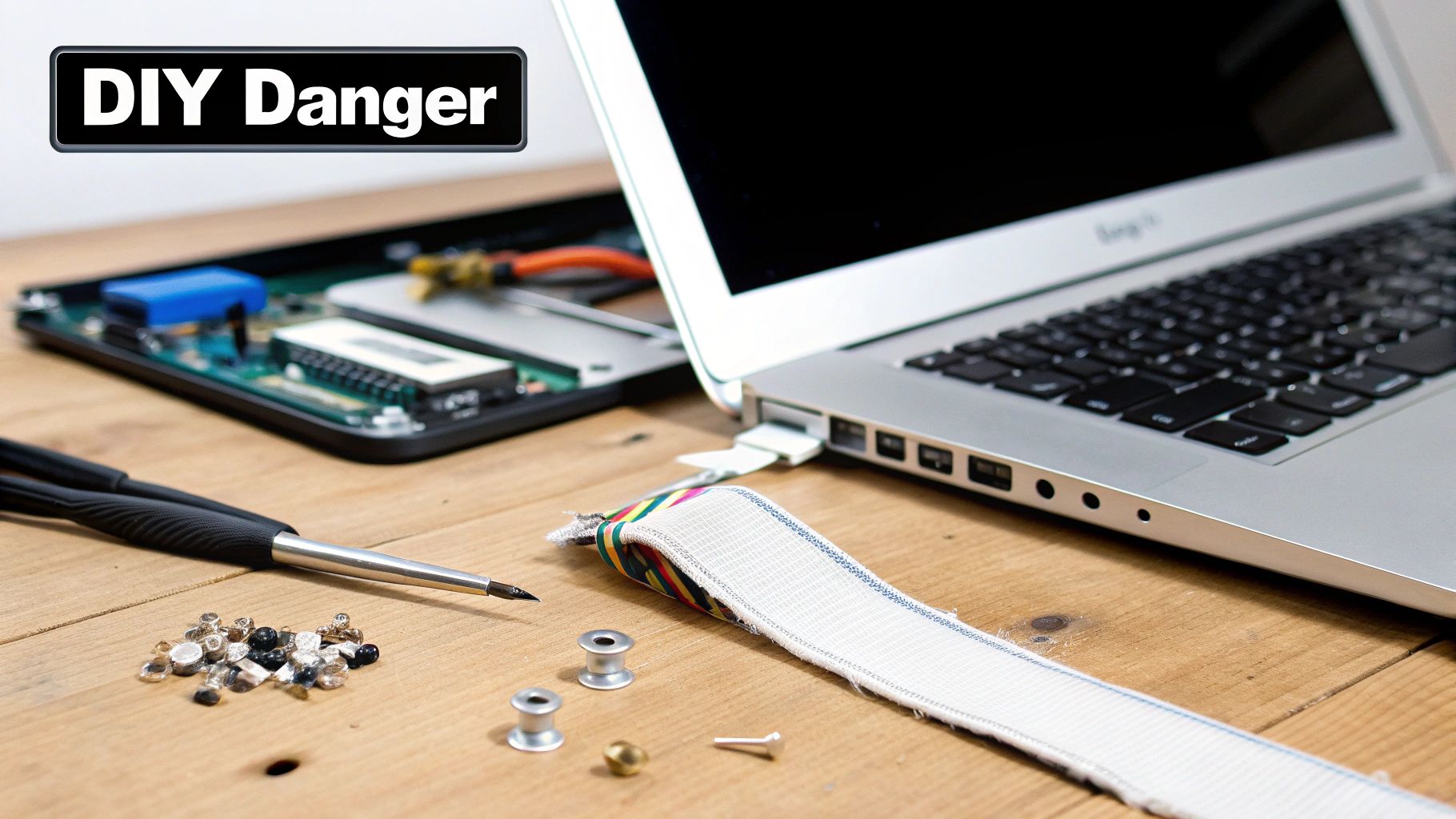
Common DIY Repair Pitfalls
I'll never forget a customer from right here in Hamilton who brought in their MacBook after a DIY attempt. They’d followed a video guide to the letter, but as they were reconnecting the new display, their screwdriver slipped. Just a millimetre. That tiny slip was all it took to bridge two contacts on the logic board and create a dead short.
The result? The MacBook was completely fried. What should have been a $400 screen job instantly became a $900+ logic board replacement, which was more than the laptop was even worth.
It’s a heartbreaking story, but sadly, not a unique one. Here’s where things most often go sideways:
- Torn Ribbon Cables: The display, camera, and backlight are all connected by cables that are thinner than a piece of paper. They are unbelievably fragile. One wrong pull and you've got a dead camera or a screen that won't light up.
- Lost or Mixed Screws: Your MacBook Air has dozens of tiny screws, and many of them are different lengths. Put a slightly longer screw in the wrong hole, and you can easily puncture the logic board or the battery, causing permanent, catastrophic damage.
- Logic Board Damage: This is the big one. As the story above shows, accidentally shorting the logic board with a stray tool or even a bit of static electricity can instantly kill the most vital and expensive part of your Mac.
A professional technician brings more than just the right tools to the table; they bring the muscle memory and experience to handle these delicate parts without a second thought. That's a level of precision you just can't get from a single video tutorial.
At the end of the day, while saving money with a DIY fix is tempting, the financial gamble is huge. Trusting an expert for your screen replacement mac air is the surest way to protect your machine. If you want to see how the pros handle it, you can learn more about how we fix the computer right the first time.
How to Find a Trusted Repair Shop in Hamilton
Deciding to hand your MacBook Air over to a professional is the smart call, but how do you pick the right one? Sifting through the options for computer & laptop repairs in Hamilton can feel like a chore, but a few key signs will help you spot the real experts. You're looking for a partner in this, not just a service—someone who understands how important that device is to you.
The first thing to look for is transparency. A trustworthy shop won't be cagey about costs or what they plan to do. They should give you clear, upfront pricing and walk you through what the screen replacement for your Mac Air actually entails before you agree to a thing. That honesty right from the start is a massive green flag.

Your Checklist for Vetting Local Experts
As you start comparing your options, keep this simple checklist handy. It'll help you make a choice you can feel good about and ensure the repair lasts.
A Clear Warranty Policy: Don't even consider a shop that doesn't offer a warranty. Any technician worth their salt will stand by their work, offering a guarantee that covers both the new screen and the labour it took to install it. Think of it as your safety net.
Proven Experience with Apple Products: MacBooks aren't like other laptops. They have their own quirks and a very specific internal design. General PC repair skills don't always cut it, so look for a shop that explicitly mentions their experience with Apple gear.
Positive and Detailed Customer Reviews: Star ratings only tell part of the story. Dig into what people are actually saying on Google or Yelp. Are customers mentioning good communication, fair prices, and a device that works perfectly now? Those specifics give you the real picture.
The Value of Local Specialists
Often, choosing a dedicated local specialist over a big-box store gets you better service and more reasonable prices. In Ontario, the market for computer & laptop repairs in Hamilton is competitive, which is great for consumers. This has pushed people to shop locally, especially when independent shops offer solid warranties and have parts ready to go. You can find some interesting discussions on regional repair pricing on Apple's forums.
A local expert brings a personal touch that the big chains just can't replicate. You’re not just another repair ticket; you’re a neighbour. That relationship often translates into more thoughtful and dedicated service.
Finding the right local shop means your MacBook Air gets the expert attention it needs. If you want more tips on finding a reliable technician in your area, take a look at our guide on finding computer help near me.
Your Local Solution for MacBook Repairs in Hamilton
When your MacBook Air screen goes dark or gets cracked, you don't just need a quick fix—you need a local partner you can trust. Opting for a specialist for computer & laptop repairs in Hamilton isn't just about convenience; it's about getting a customer-first experience where your device is handled by experts who know what they're doing. It’s all about building confidence through a clear, straightforward process.
Everything starts with a proper diagnostic. A good technician will first confirm that the screen is the real problem, making sure nothing else is secretly causing the issue. This step is crucial because it ensures you’re only paying for the repair you actually need, saving you from any guesswork or unnecessary costs.
Once the diagnosis is confirmed, you’ll get a clear, no-obligation quote. It will break down the costs for parts and labour for your specific screen replacement mac air, so you can make an informed decision without worrying about surprise fees later. That kind of honesty is what a reliable local service is built on.
What to Expect During the Repair
A professional screen replacement is a delicate operation. Technicians use specialized tools and a steady hand to carefully open up your MacBook, disconnect the old display, and install the new one. Every screw and cable is handled with precision to protect the rest of your machine.
Here's what a quality local repair process should always look like:
- Expert Diagnostics: A free, upfront assessment to pinpoint the exact problem.
- Clear Quoting: A detailed price breakdown before any work gets started.
- Quality Parts: Using premium aftermarket or OEM screens to get your display looking brand new.
- Meticulous Installation: Experienced technicians carefully handle all the delicate internal parts.
- Final Testing: A thorough check to make sure the new screen and all related functions are working perfectly.
Choosing a dedicated Hamilton-based service means you’re not just another ticket number. You get personalized attention, fast turnaround times, and the assurance of a solid warranty on both the parts and the workmanship.
This commitment to quality is what really sets a local expert apart. When you need MacBook repairs in Hamilton, you're investing in a service that's all about getting your digital life back on track, backed by people who stand by their work.
Your Top Questions About Mac Air Screen Repairs Answered
Even when you know you need a pro, you probably still have a few questions swirling around. Let's clear those up. Here are some quick, straightforward answers to the questions we hear most often about MacBook Air screen replacements.
How Long Does a MacBook Air Screen Replacement Take in Hamilton?
For most models, a professional repair shop in Hamilton can get the job done within 24-48 hours, as long as they have the right screen in stock.
If your specific screen needs to be ordered, it could take a bit longer, maybe 3-5 business days. A good technician will always give you a clear and honest time estimate before they even touch your laptop. No surprises.
Will My Replacement Screen Look as Good as the Original?
Absolutely. A reputable repair service uses high-quality aftermarket screens that are designed to match the original Apple display in brightness, colour, and sharpness. Honestly, most people can't tell the difference.
You get a screen that looks and performs like new without the premium price tag you'd pay at the Apple Store. Plus, any shop worth its salt will stand behind their work with a solid warranty.
Is It Worth Fixing My Older MacBook Air?
More often than not, yes! Replacing the screen is a whole lot cheaper than buying a brand new MacBook, and it can add years to the life of a machine you’re already comfortable with.
A trustworthy technician providing computer & laptop repairs in Hamilton will give your Mac a quick look-over. They’ll consider its age and overall health and give you an honest opinion on whether the repair makes financial sense for you.
A quality repair breathes new life into a machine you already know and love, saving it from landfill and saving you hundreds of dollars compared to buying a brand-new device.
Can You Repair Other Issues Besides the Screen?
Of course. Most full-service shops are equipped to handle all sorts of Mac problems. Think battery replacements, sticky keyboards, data recovery, and software glitches. It’s often a good idea to get any other nagging issues sorted out at the same time as your screen replacement mac air service.
And once it's fixed? A lot of people ask how to keep it safe. Investing in something like a screen protector cover guard film is a simple way to guard against future scratches and scuffs, keeping your new display looking great for longer.
Ready to get your MacBook Air looking like new again? For fast, honest, and reliable computer and laptop repairs in Hamilton, trust the experts. Contact Klimka Computer Solutions today for a free diagnostic and quote! https://klimkacomputersolutions.com
No Responses